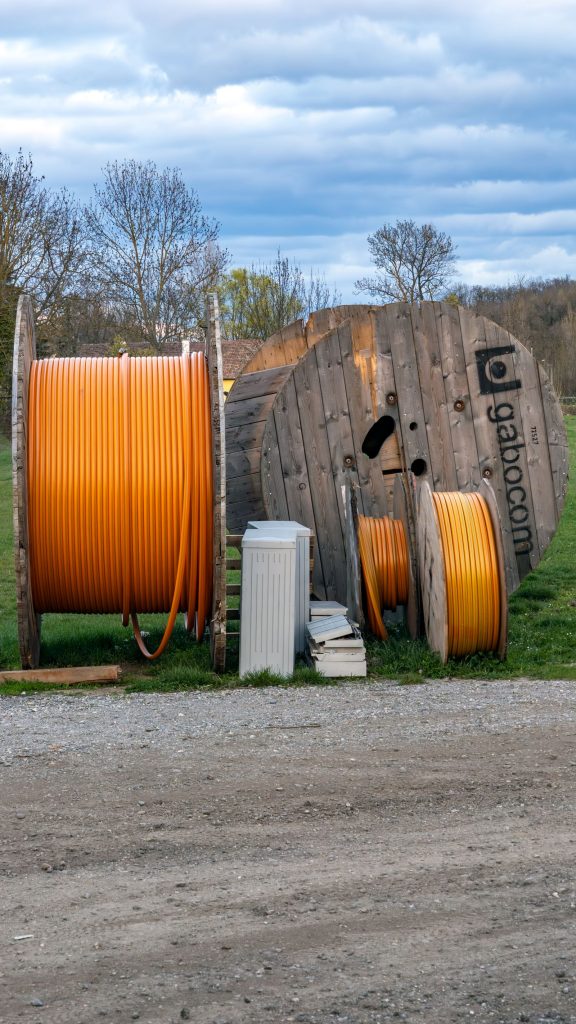
The cable that comes with your Starlink kit is designed to reach from a dish on the roof to a router inside — not from the house to a workshop, a barn, or a gate 250 feet away. The moment you need to move data across real distance, you’re in the world of third-party Ethernet cable, and the choices genuinely matter. We’ve run Cat6 to outbuildings, buried it to a gate, and fished flat cable under carpets, and the lessons repeat every time: copper quality and jacket type decide whether it lasts.
This isn’t about the cable between the dish and the router, which is proprietary and model-specific. It’s about everything downstream — the runs that carry your Starlink connection out to the places you actually work and live. Get the cable right and it disappears for a decade. Get it wrong and you’ll be re-terminating ends every spring.
What a long Starlink run needs
Three things: solid copper conductors (not copper-clad aluminum), a jacket rated for wherever the cable lives, and a run that respects the distance limit. Copper-clad aluminum is the quiet killer of long runs — it’s cheaper, it looks fine on a short patch cable, and it loses voltage and signal over distance in a way that shows up as flaky connections. The hundred-meter (about 328-foot) Ethernet limit is real, and every cheap cable, sharp bend, and wet connector eats into it. Stay under the limit, use real copper, and protect the jacket, and the run just works.
| Product | Best For | Key Features | Price |
|---|---|---|---|
 |
Cat6 Outdoor Ethernet |
|
Check Price on Amazon |
 |
Cat6A Shielded Cable |
|
Check Price on Amazon |
 |
Flat Cat6 Cable |
|
Check Price on Amazon |
 |
150ft Ethernet Reel |
|
Check Price on Amazon |
 |
Direct-Burial Cat6 |
|
Check Price on Amazon |
1. Cat6 Outdoor Ethernet
For anything that leaves the building, a UV-rated outdoor Cat6 is the sane default. Ordinary indoor cable has a jacket that turns brittle and cracks after a couple of summers in the sun, and once water wicks into the jacket you get corrosion at the connector and intermittent dropouts that are maddening to chase. Outdoor Cat6 has a jacket built to shrug off sunlight, moisture, and temperature swings, so a run across a wall or along a fence survives the seasons instead of degrading slowly.
Look for solid copper conductors and a jacket that says outdoor or direct-burial rated. Some outdoor cable is also gel-filled to stop water travelling inside the jacket — a nice feature on runs that pass near the ground. We ran outdoor Cat6 from a house to a shed and it’s been untouched for years, whereas the indoor-grade cable we tried first went stiff and flaky within eighteen months.
Liked: survives sun and weather, solid copper keeps signal honest over distance. Catch: it’s stiffer and a bit pricier than indoor cable, so it’s fussier to route through tight spaces. Use it outdoors, keep indoor cable indoors, and don’t mix them up.
2. Cat6A Shielded Cable
Cat6A shielded cable is what you reach for when the run passes near electrical noise — alongside mains wiring, near a motor, in a shop full of equipment. The shielding layer around the pairs blocks interference that would otherwise corrupt data and trigger retransmissions, which is exactly the kind of invisible problem that makes a connection feel slow without ever clearly failing. It also carries higher frequency headroom, which gives you margin on long runs.
Two honest caveats. Shielded cable is stiffer and thicker, so it’s harder to pull through tight spaces than unshielded. And the shield only works if it’s grounded properly at one end — a floating shield can actually make interference worse. If you terminate it yourself, use shielded connectors and follow the grounding convention for your setup. In a clean home run you don’t need it; in a noisy environment it earns its keep.
Liked: shrugs off electrical noise and adds frequency headroom for long runs. Catch: stiffer to run and only helps if the shield is grounded correctly at one end. Buy it for noisy places, skip it for a quiet home.
See shielded Cat6A on Amazon →
3. Flat Cat6 Cable
Flat Cat6 is the indoor specialist: thin, flexible, and easy to hide. It slips under carpets, behind baseboard trim, and along the edge of a floor without bulging, which makes it the cable of choice when you can’t drill and can’t see a run. We’ve used flat cable to get a jack from one room to another with zero visible hardware, and it looked like nothing had been done at all — which was the entire goal.
The trade-off is durability. Flat cable has thinner conductors and less protective jacket, so it’s more fragile; repeated flexing or a chair rolling over it can damage the pairs inside. It’s also a poor choice for long outdoor runs or anywhere it’ll get yanked. Use it for a clean indoor run of moderate length, keep it away from foot traffic, and it’s a great tool. Push it beyond that and it’ll let you down.
Liked: nearly invisible indoors, cheap, easy to hide under carpets and trim. Catch: less robust over time and not for outdoor or high-traffic runs. Great for indoor aesthetics, wrong for durability.
4. 150ft Ethernet Reel
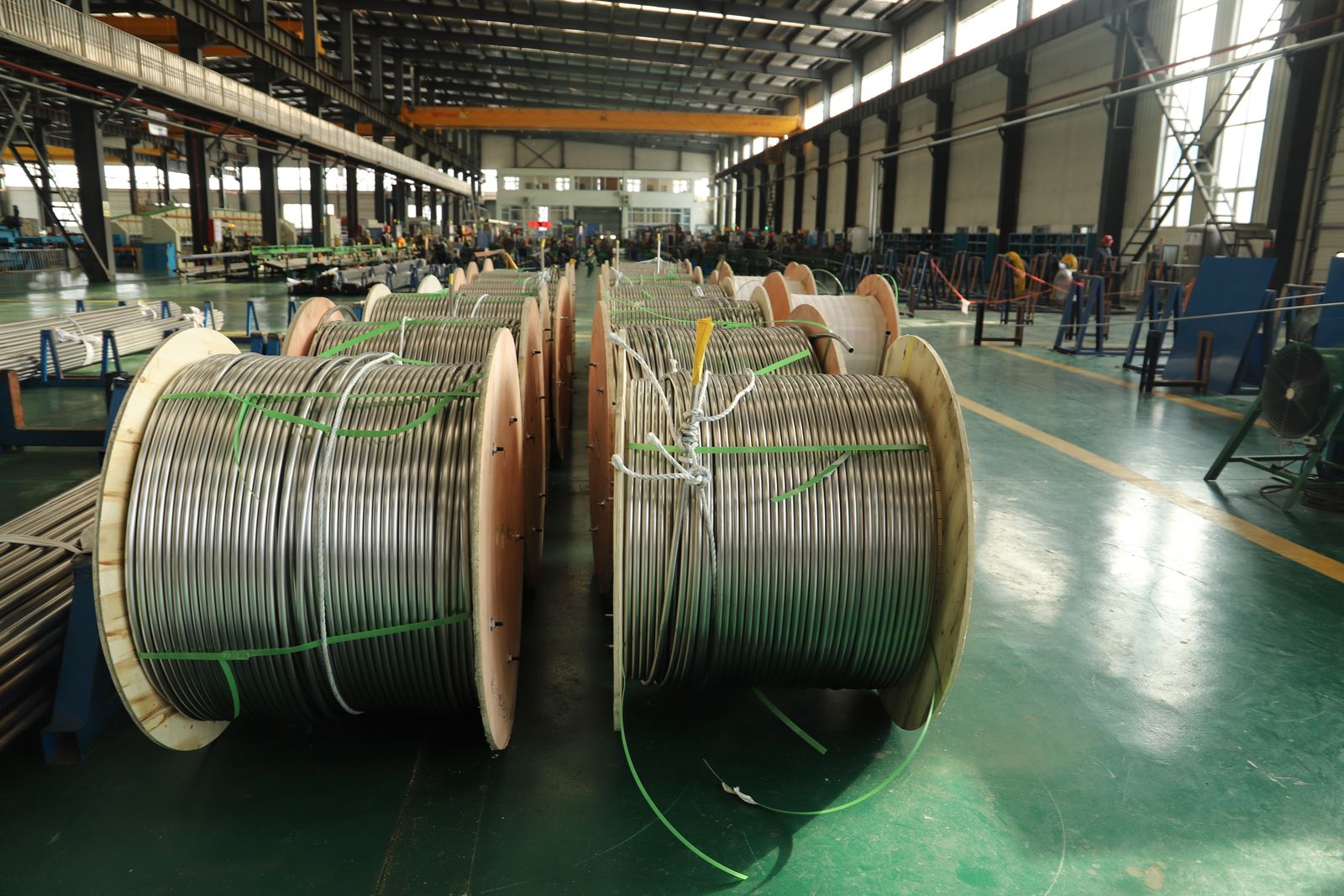
When you need one clean, continuous run with no joins, a reel of bulk cable is the answer. Every connector and coupler is a potential failure point, so a single unbroken run from router to destination is inherently more reliable than three shorter cables joined together. A 150-foot reel gives you the length to make your own exact-fit run and terminate the ends yourself, which also lets you use keystone jacks at the wall plates for a professional finish.
Terminating your own ends is the part that trips people up. You’ll want a punch tool and keystone jacks, or good crimp connectors and a crimper, plus the patience to get the wire order right. The reward is a run with no mystery joints and the exact length you need. Test the run with a cheap cable tester before you bury it or close up the wall, because finding a bad end after the fact is far worse than finding it on the bench.
Liked: one continuous run with no failure-prone joins, and made-to-length. Catch: you have to terminate ends correctly and test before installing. Buy a tester; it pays for itself the first time it catches a miswired end.
See bulk Ethernet reels on Amazon →
5. Direct-Burial Cat6
If a run crosses ground, direct-burial Cat6 is the cable that’s actually meant to live there. It’s gel-filled and often armored or double-jacketed, so it can go straight into a trench without conduit and stand up to moisture, soil pressure, and the occasional shovel. We ran direct-burial cable from a house to a detached garage and buried it in a single afternoon, and it’s been forgotten ever since, which is exactly the standard for buried infrastructure.
Two rules make the difference between a forever-run and a spring repair. First, use conduit at the wall entry and anywhere the cable leaves the ground, because the transition point is where damage happens. Second, leave a pull string in the trench — the cost of doing it now is nothing, and the cost of digging it up again later is a lost weekend. Bury it deep enough to be below casual digging, and it’ll outlast the dish.
Liked: designed to be buried, gel-filled, tolerant of moisture and soil. Catch: heavier and pricier, and it must be handled correctly at the wall entry. Use conduit where it leaves the ground and drop in a pull string while you’re there.
See direct-burial Cat6 on Amazon →
Solid copper versus CCA (the trap)
This is the single most important buying decision and the one most people miss. Solid copper (often marked bare copper) is what Ethernet was designed for: it carries signal and power predictably over distance. Copper-clad aluminum (CCA) is aluminum with a thin copper skin, and it’s cheaper, lighter, and fine for a short patch cable in a rack. Over a long run it loses signal faster, can’t carry much PoE, and tends to corrode at the connectors, producing exactly the flaky behavior you’ll blame on the dish. If a listing won’t say solid copper, assume CCA and move on.
Distance: the 100-meter ceiling
Standard Ethernet has a practical limit of about 100 meters per run — roughly 328 feet — and that includes the whole path, not just the reel length. Sharp bends, cheap cable, and poor terminations all eat into the margin, so a run that’s “technically under” can still misbehave if anything else is strained. Past the limit, the fix isn’t a better cable, it’s inserting a switch or a fiber jump partway to reset the count. Plan your topology on a map before you buy, and you’ll never fight a link that works at first and degrades later.
Terminations and testing
The best cable in the world is only as good as its ends. Loose strands, a wire in the wrong position, or a connector that isn’t fully seated will turn a perfect run into a mystery. We test every custom run before it goes into service, and the tester has caught miswired ends more times than we can count. If you’re running cable outdoors, add a drip loop at each building entry so water runs off instead of into the connector, and use a weatherproof boot or a gland where the cable passes through a wall. Terminate cleanly, test once, then forget it.
Comparison
| Option | Best for | Indoor/Outdoor | Watch out for |
|---|---|---|---|
| Cat6 outdoor | Wall and fence runs | Outdoor | Stiffer to route |
| Cat6A shielded | Noisy electrical areas | Both | Ground shield one end |
| Flat Cat6 | Hiding an indoor run | Indoor | Fragile, low traffic only |
| 150ft reel | One custom-length run | Both | Terminate and test |
| Direct-burial Cat6 | Underground runs | Outdoor | Conduit at wall entry |
FAQ
Can I extend the Starlink dish cable itself? Not with generic Ethernet. The cable between the dish and the router is proprietary and model-specific, so you buy the right length from the maker rather than splicing it. This guide covers the ordinary Ethernet you run between your router and everything else, which is where long runs actually happen.
How far can I run Ethernet outdoors? Keep each run under about 100 meters, including the path, and use solid copper cable. Beyond that, add a switch or a fiber segment to reset the distance. Exceeding the limit doesn’t usually fail outright — it degrades, which is worse because it’s harder to diagnose.
Do I need shielded cable? Only near heavy electrical noise, like alongside mains wiring or in a shop full of motors. In a normal home, unshielded solid copper is fine and easier to run. If you do use shielded, ground the shield at one end or you can make interference worse.
Is CCA cable okay for a long run? No. Copper-clad aluminum loses signal and can’t carry much power over distance, and it corrodes at the ends. It’s fine for a short patch cable, but for any run you care about, insist on solid copper — it’s the difference between a permanent link and a recurring headache.
Our pick
For a run that leaves the building, we’d pick outdoor Cat6 with solid copper conductors every time, and go to direct-burial Cat6 the moment the path crosses ground.
Indoors, flat cable wins on looks and a bulk reel wins on reliability. Whatever you choose, the same rules decide the outcome: solid copper, a jacket matched to the environment, a run under the limit, and ends you tested before you closed the wall. Do that and the cable stops being a topic of conversation, which is the whole point.