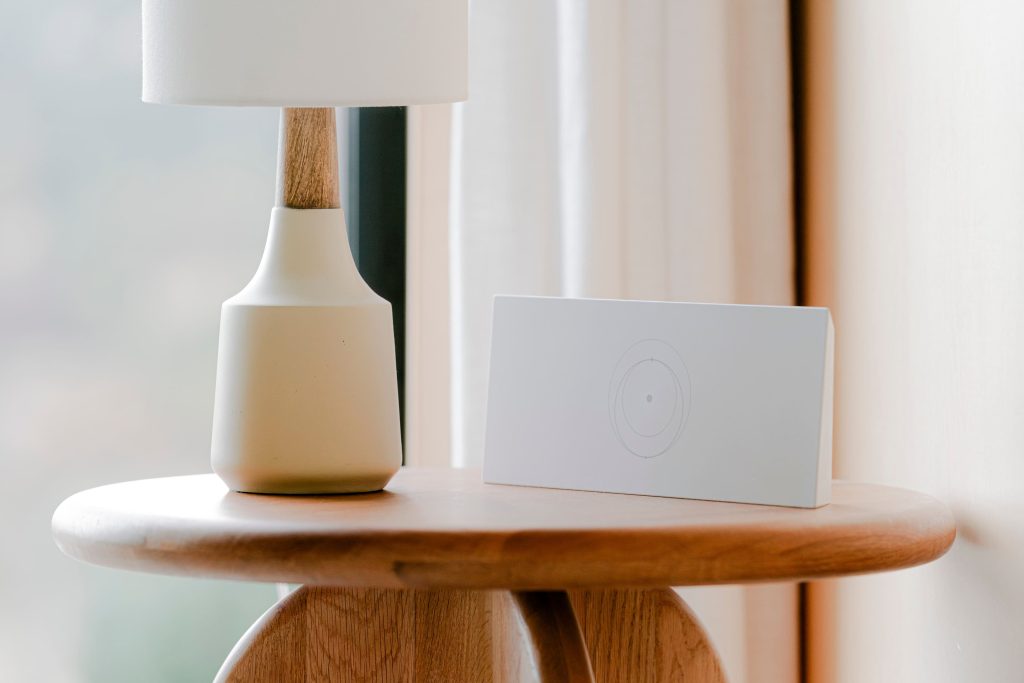
Starlink’s routers are perfectly fine devices for what they are: small, cheap, and designed to get a household online with zero configuration. The trouble starts when your situation is not a household – when the router needs to live in a bay while your laptop is forty feet away, when the uplink is a hotspot some nights and a dish on others, when you want the whole van on a VPN, or when you simply refuse to let a $40-class access point be the weakest link in a network you built yourself. That is the point where third-party routers, most of them available on Amazon for less than the Router Mini’s new price, start making obvious sense.
This guide is about replacing – or more precisely, supplanting – the Router 3 and Router Mini with third-party hardware. It covers what Starlink’s own routers are actually good at, the five third-party roles worth buying for, the specific models that dominate each role in 2026, and the two rules that decide whether a replacement will work before you spend anything.
First: Are You “Replacing” or “Bypassing”?
This distinction saves people money every week. Starlink’s routers can be left in place and bypassed – on the Router 3, plugging into its Ethernet ports and enabling bypass hands a clean WAN to whatever router you prefer – or they can be replaced in function by meshing a third-party unit with them over WiFi. Bypass requires hardware with Ethernet WAN and works best for fixed installs. Meshing works for anything, at some performance cost, and is the only option for the Mini dish, whose router is built into the dish itself and cannot be removed.
Two rules follow from that, and they decide every purchase below:
- If your uplink is a Standard dish (Gen 2, Gen 3, Standard 4 or 4X): you can do either, but bypass plus Ethernet is the better answer for anything permanent. Our router deep dive covers the Gen 2 Ethernet Adapter requirement and the exact wiring, and the bypass mesh guide maps the Deco and Orbi paths.
- If your uplink is a Mini: you are meshing or briding over WiFi-as-WAN. This is where travel routers earn their reputation, and it is the single most common third-party router purchase in the Starlink world right now.
Role 1: The Travel Router (Mini Owners and RV Builds)
The GL.iNet family owns this category, and it deserves to. The GL-MT3000 (Beryl AX) is the current default recommendation in every serious RV networking writeup for good reasons: Wi-Fi 6, a 2.5-gigabit WAN port so the router never becomes the bottleneck on a fast Starlink link, USB-C power (meaning it runs from a laptop charger, a power bank, or a 12V USB adapter – a decisive advantage in a van), a physical VPN toggle, and OpenWrt underneath with a friendly web interface on top. Real-world VPN throughput in the reviews we trust lands around 300Mbps on WireGuard, which is more than enough for remote work. Where the Beryl shines specifically with Starlink is the WiFi-as-WAN mode: it joins the dish’s network, or a campground network, or your phone’s hotspot, and presents one stable private network to every device you own.
The GL-AXT1800 (Slate AX) is the other half of the recommendation: pocket-sized, dual-band Wi-Fi 6, rated to around 120 simultaneous clients, with the highest measured VPN numbers in this class (WireGuard in the 500Mbps+ range). It runs warmer and costs more than the Beryl; if you are distributing a connection to a family’s worth of devices or running a VPN full-time, that is the trade. Either model can also serve as a mesh node behind a Starlink router, which makes them useful even after you have a permanent setup.
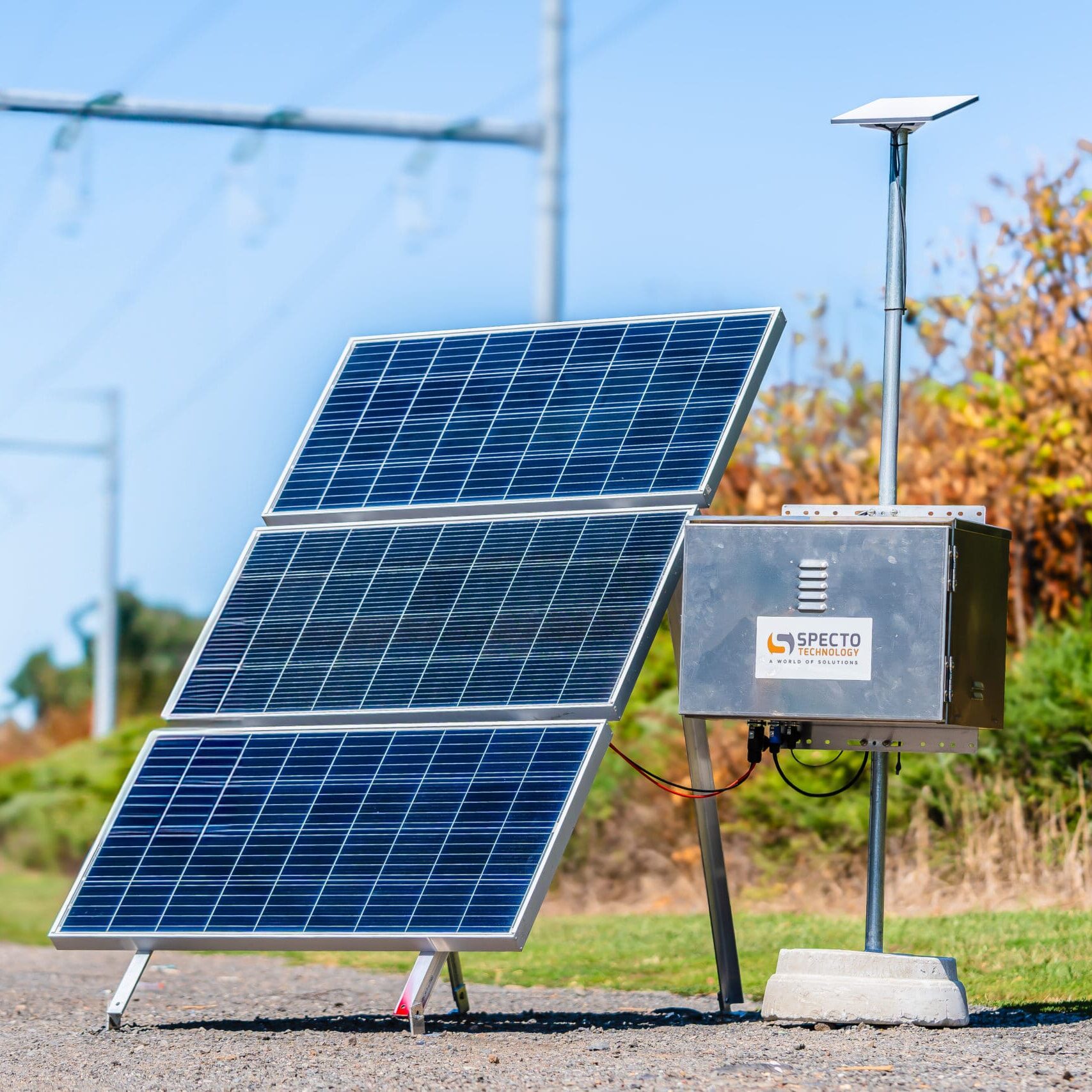
If you want the simplest possible version, TP-Link’s TL-WR1512X (Roam 6) is the counterpoint: AX1500, USB-C 3.0, wizard-based setup in about five minutes, WireGuard and OpenVPN support, and no OpenWrt to get lost in. It is slower on VPN than the GL.iNet units and gives up the 2.5G port, but for someone who wants their Starlink Mini to feed a laptop and a tablet in a hotel room, it is plenty.
Role 2: The Bypass Router (Permanent Homes and Cabins)
Behind a bypassed Standard dish, the right third-party router is simply a good router – and the Starlink-specific requirement is nothing more than “has an Ethernet WAN and does not choke on satellite latency.” The mainstream mesh systems (Deco, Orbi, and their UniFi/Omada counterparts) all work, and the deciding factors are coverage, VLAN support, and whether you want a cloud-tethered app or a local-only interface. What we tell people to avoid is buying a mesh kit whose satellites rely on wireless backhaul in a metal-sided building; run Ethernet to at least one node, or the mesh will disappoint in exactly the structure it was bought for.
For home-scale replacement of a Router 3, GL.iNet’s Flint line is worth a look because it inherits the OpenWrt strengths of the travel models in a mains-powered, multi-port chassis – five Gigabit ports on the base Flint, 2.5G ports on the Flint 2, AdGuard Home ad blocking built in, and WireGuard numbers in the 500-870Mbps range depending on model. That is more router than most Starlink installs will ever saturate, at a price below what a comparable consumer mesh base station costs.
| Product | Best For | Key Features | Price |
|---|---|---|---|
 | Best Overall Travel Pick - GL.iNet Beryl AX |
| Check Price on Amazon |
 | Most Devices / Fastest VPN - Slate AX |
| Check Price on Amazon |
 | Simplest Setup - TP-Link Roam 6 AX1500 |
| Check Price on Amazon |
Role 3: The 12V Router (Off-Grid and Vehicle Installs)
Here is where Starlink’s own routers have quietly lost ground. The Router 3 wants mains power through its supply; the revised Router Mini accepts 9-24V DC, which is genuinely useful – but a Router Mini retails around $100 and offers one LAN port. A third-party router with USB-C PD input, or a small DC-input router designed for vehicles, does the same job for the same or less money, with far more configurability. If your build is DC-only, add this to the comparison before defaulting to Starlink’s hardware; our off-grid power guide covers the wiring side and the Standard 4 breakdown explains the Router Mini’s DC input properly.
Role 4 and 5: Campground WiFi Bridging, and the Dual-Uplink Setup
The last two roles are why travel routers keep winning. Bridging: the router joins a campground or marina network once (solving the captive portal on one device instead of fifteen), then re-shares it as your own secure network. GL.iNet’s TravelMate-style automation even remembers networks and rejoins them automatically as you move – a small feature that quietly changes how a month of travel feels. Dual uplink: the same router accepts the dish and a 5G hotspot as two WAN sources and fails over between them, which is the setup our six-month Starlink vs 5G comparison ended up recommending for anyone who works from the road.
The Two Things That Break Third-Party Setups
Double NAT. If you bypass the Starlink router properly, this disappears. If you mesh instead, your third-party router is on a second network layer – fine for streaming, occasionally annoying for remote access, port forwarding, and some VPN servers. Know which mode you are in and label it somewhere, because you will forget by the time it matters.
Power on the wrong rail. A travel router with USB-C input is not automatically a 12V-tolerant device; many want 5V or 9V and sulk on 12V vehicle rails. Read the input specification, not just the connector shape. The Beryl-class units accepting a wide range are the exception, not the rule.
Quick Answers
Do I lose anything by replacing the Starlink router? Not much. You lose the one-tap app integration for WiFi name and password (manage those in the app before bypassing) and the seamless firmware updates. You gain configurability, VPN, better failover, and better coverage per dollar.
Will Starlink support help if a third-party router breaks my setup? They will help with the dish and service, not with your router. Keep the stock router in a drawer as the known-good baseline; restoring it takes five minutes and answers the question “is it the dish or my network?” instantly.
Is a $99 travel router really better than the included router? For a fixed home, no – the included router is fine. For travel, vans, multi-source setups, or anyone who wants VPN and proper failover, yes, and it is not close.
Starlink sells you a connection; the router is where that connection becomes a network. Their hardware is a reasonable default and a poor ceiling – and the third-party options above are the cheapest performance you will ever add to a Starlink setup.