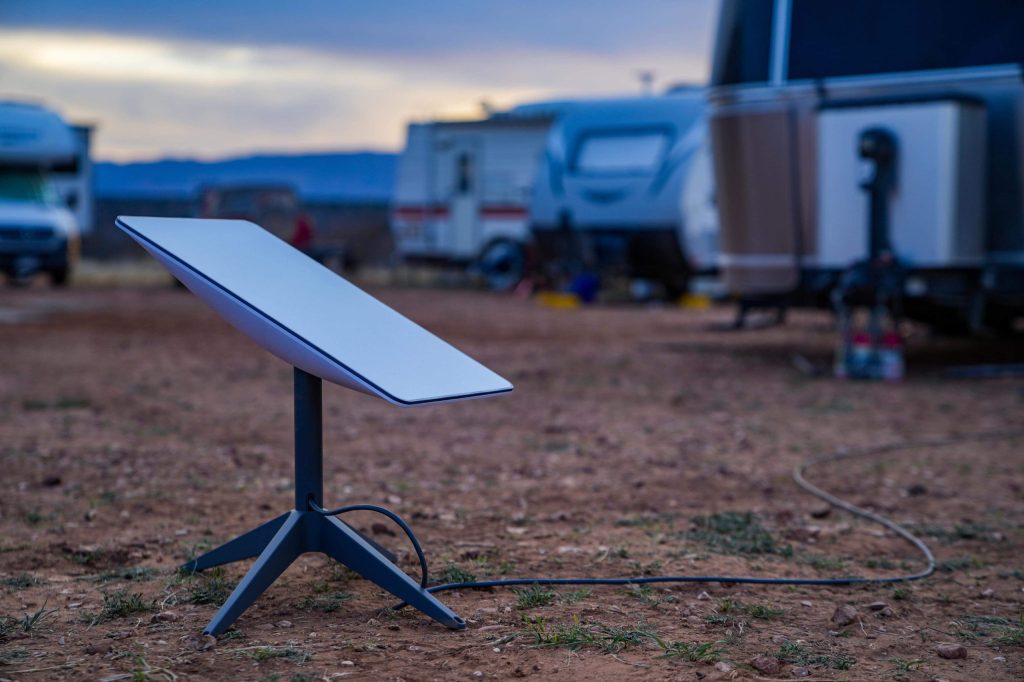
For six months this year, our van ran two internet connections side by side: a Starlink Mini on Roam service and a 5G mobile hotspot on an unlimited-ish carrier plan. The original plan was to write a two-week comparison. It turned into half a year, partly because the results kept being inconvenient for both sides, and partly because once you have dual internet in the van, nobody volunteers to give one up.
This is the write-up I wished existed before we spent the money: real speed logs, real power draw from a battery shunt, the actual monthly cost of each setup, and the honest answer about which one you should buy first. Short version: 5G wins in towns and most campgrounds, Starlink wins everywhere else, and the two failures never overlap – which is exactly why we kept both.
| Product | Best For | Key Features | Price |
|---|---|---|---|
 | Remote Coverage - Starlink Mini + Roam |
| Check Price on Amazon |
 | Town Coverage - 5G Mobile Hotspot |
| Check Price on Amazon |
 | Keep Both Online - Dual Power Kit |
| Check Price on Amazon |
The Exact Setups We Compared
On the Starlink side: a Mini on Roam’s cheapest tier, around $50 a month regional, later upgraded mid-trip to the unlimited plan when we crossed into Canada. On the cellular side: an unlocked 5G hotspot on a prepaid unlimited plan at roughly $55 a month, with a directional antenna add-on we bought in month two out of frustration (more on that below). Both ran through the same router in bypass/wifi-as-wan mode so the van’s mesh network did not care which uplink was live.
We logged every workday: evening video calls, file syncs, streaming, and the thing that actually stresses a connection – cloud backups of camera footage, which push 30-80GB at a time. That workload is ruthless with throttling and latency, and it is where most of the numbers below come from.
Speeds: Wilder Spread Than You Expect
The 5G hotspot was the Dr. Jekyll and Mr. Hyde of the test. In Phoenix, Denver, and most mid-size towns, it pulled 80-250Mbps down with 25-35ms latency – genuinely better than Starlink in every metric. In the Moab area and half the forest service roads we camped on, it fell to 2-8Mbps with latency spiking past 300ms, and video calls became a slideshow with a soundtrack.
Starlink Mini was the opposite personality. It gave us 40-120Mbps down, 5-15Mbps up, with 25-60ms latency, and here is the part that surprised me: it gave us roughly that everywhere. Open desert, alpine meadow, a drainfield pull-off in Utah where the closest cell tower was a rumor. The spread between its best and worst campsite was maybe 3x. The hotspot’s spread was closer to 50x.
For video calls, consistency beats peak speed. A 15Mbps connection at 40ms latency outperforms a 200Mbps connection at 400ms latency, every single time. If your income depends on meeting software, that fact alone shapes this whole decision.
Where 5G Flat-Out Wins
- Setup time. Hotspot goes from pocket to Zoom meeting in 30 seconds. The Mini wants sky view: you are picking a site with open angles, placing the panel, and nudging it a few degrees until the app stops complaining about obstructions. In forest campgrounds this becomes a ritual.
- Weather. Heavy rain and snow cause noticeable Starlink dips – a 20-40% throughput drop in sustained downpour was typical for us. The hotspot could not care less.
- Indoor use. You can run a hotspot from inside the van behind tinted glass. The Mini wants to be outside or on the dash, and window-mounted Starlink genuinely underperforms.
- Portability beyond the van. The hotspot rides in a jacket pocket into coffee shops. The Mini needs its whole kit – case, panel, cable, power.
Where Starlink Wins, It Wins Big
Beyond roughly 30 miles from any mid-size town, the comparison stops being a comparison. We had entire weeks – the Grand Staircase, stretches of eastern Oregon, the north shore of Lake Superior – where the hotspot averaged under 5Mbps and dropped calls entirely, while the Mini just worked, every evening, like a utility. If remote work is why you bought the van, this is the paragraph that matters.
The second Starlink advantage is household-style bandwidth under one roof. When both of us worked plus a background sync ran, the hotspot’s throttled priorities got ugly fast on unlimited plans’ fine print. Roam’s fair-use is generous by comparison; we never got visibly throttled despite pushing several hundred gigabytes a month through it.
Power Draw: The Cost Nobody Prices In
Measured at the battery shunt over weeks of mixed use:
- Starlink Mini: average 25-32W, spikes to ~40W on boot and during snow-melt-style heating events. A long workday (8 hours) costs about 220-250Wh.
- 5G hotspot: 4-8W on its own, call it 10W wall-powered with the router overhead. The same workday costs 60-80Wh.
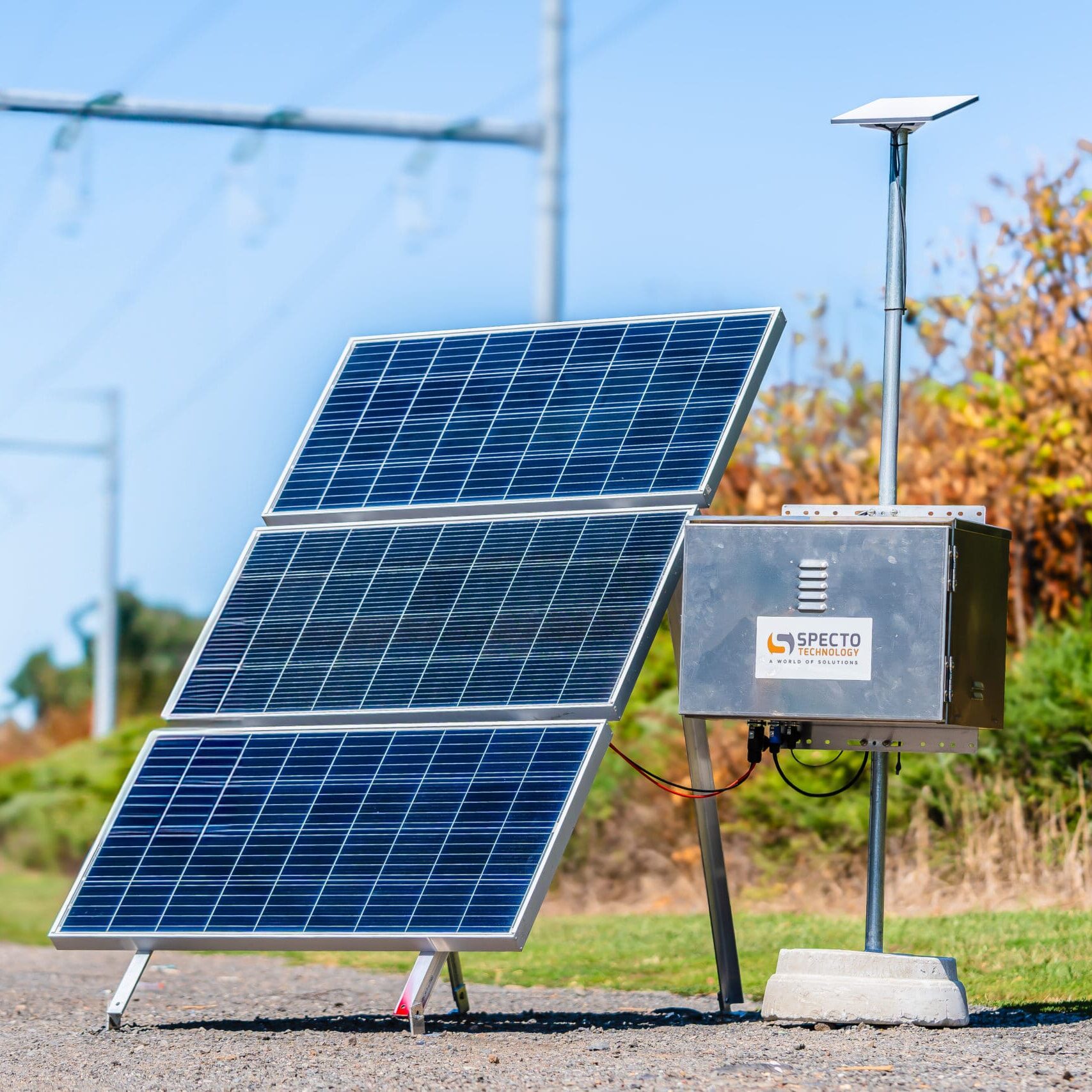
That difference is real for solar sizing. Our 200W of roof solar shrugged off the hotspot but had to be managed around the Mini on cloudy stretches. If you are building a small power system, our off-grid solar and 12V guide has the panel and battery math for running Starlink continuously, and the power station runtime tests show which brands deliver their rated capacity.
The Six-Month Cost Math
Adding it up at the end:
- Starlink Mini hardware $499 + Roam at $50-165/mo depending on tier. Six months ran us roughly $1,050 including the hardware, after selling nothing back.
- 5G hotspot hardware $180 (on sale) + plan at $55/mo + $60 directional antenna we did not strictly need. Six months: $570.
So cellular costs about half over six months and delivers more speed in towns. Starlink costs more and delivers coverage where cellular has no answer. If I had to run only one on a tight budget, the choice would be made by my campsite history: look at where you actually slept last year. If more than a third of those nights had no bars on the phone, Starlink first. If you are a state-park-and-Boomtown traveler, the hotspot first, honestly.
The Dual-Uplink Setup Is the Real Answer (and Easier Than It Sounds)
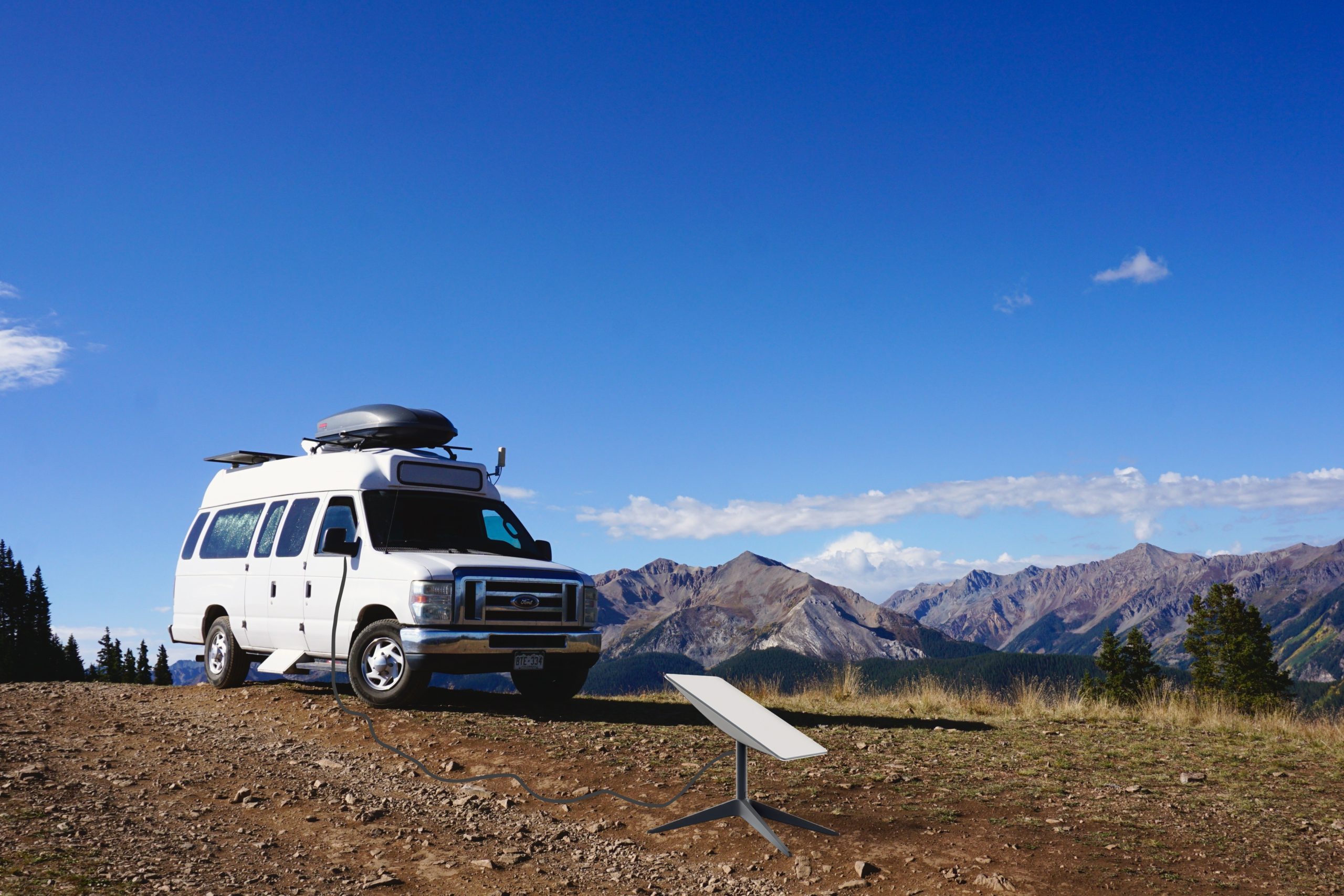
Running both sounds like overkill until you experience automatic failover. The Mini mounted on the van roof on a magnetic base, the hotspot on the dash, and a travel router accepting both as WAN. When Starlink dipped in a thunderstorm, calls continued on 5G without anyone noticing. When we left cell range, the router switched us back within a minute. Our bypass mode and mesh WiFi guide walks through the exact router wiring, and if you are mounting anything on a moving vehicle, read the in-motion RV guide first – the legal and mounting details matter.
Quick Answers
Is Starlink worth it if I already have an unlimited hotspot plan? Depends entirely on geography. Unlimited plans throttle after 30-50GB and depend on tower proximity. If your travels stay near interstates, probably not yet.
Does the Mini work while driving? Yes on Roam now, with caveats – the panel needs flat mounting and power while moving, and our in-motion guide covers the practical setup.
Which has better latency for gaming? 5G in town (20-40ms), Starlink remote (25-60ms). Both are playable; both will punish you in tournaments.
Can I share one plan across two vehicles? Roam transfers between dishes on your account; hotspot plans are device-bound. If you swap between two vans, that asymmetry matters.
Six months in, the gear drawer holds both, the monthly bill holds both, and I have stopped pretending that is temporary. Cell towers fill in towns; Starlink fills in everything else. That is the whole comparison, and it cost me about $1,600 to learn it – hopefully this article saves you learning it the expensive way.