The Starlink router sits wherever the cable comes in, and that is almost never where you sit. On a boat it is under a bench in the salon. In a house it is a closet shelf, a mudroom cabinet, the corner of a spare room. The dish is outside doing the hard part and the router is indoors doing the easy part, and by the time the signal reaches the back deck it has crossed two interior walls and a sliding door with a low-E coating.
The usual fix is a range extender plugged in halfway. You get another bar in the kitchen and nothing at all on the dock. That is not the problem being solved. The problem is the last thirty feet, outdoors, where there is no wall to bounce off and no ceiling to bounce down from. Outdoors is a different radio environment and it wants different hardware.
Why the signal dies at the wall, not at the router
A modern exterior wall is a stack of materials chosen to keep things out, and radio is one of the things. Foil-faced sheathing behaves like a shield. Stucco over wire lath is a mesh. Low-E glass has a thin metallic film that can cost you twenty decibels at 5 GHz. Your router is not weak. Your wall is doing exactly what it was sold as doing.
Distance matters far less than people assume. In open air a decent 5 GHz signal will carry a hundred feet and still have headroom left. That same signal trying to leave a house through two walls, then re-radiating off a metal awning, may not make forty. This is why an indoor extender changes so little: it amplifies a signal that still has to cross the same wall on the way out, and it amplifies the noise along with it.
Three ways to reach the water, and only one we trust
The first option is a mesh node in a weatherproof spot near the patio. It is cheap, and it works when the node has clean sightlines both ways and power within reach. In practice a mesh hop costs you roughly half your throughput. Fine for a hot tub. Not fine for a dock.
The second option is an outdoor access point on a wired backhaul. One cable carries data and power, the AP broadcasts the same SSID or its own, and the link back to the router is copper rather than radio. This is the only arrangement we have installed at the water that still behaves the same in year three. It costs more in cable and effort and less in frustration.
The third option is a point-to-point bridge, one unit on the house and one on the dock. That is the right answer when the run crosses open water or ground you cannot trench, and the wrong answer for a backyard, because a bridge gives you a link and not coverage. You still need an access point at the far end.
Power, cable, and the run that gets too long
Power over Ethernet is why this is a Saturday job instead of a project. One Cat6 run carries both, and the practical limit is around a hundred meters before voltage drop and timing both get ugly. Past that, you are into fiber or a repeater.
Burial is where people cut corners. Direct burial cable is not the same product as outdoor-rated cable, and neither one is indestructible. Gel-filled is what you want underground, in conduit if the ground moves or anyone might dig. Eighteen inches down with a warning tape above it has survived every install we have been back to check.
And then the part nobody wants to hear about: outdoor copper is a lightning path into your house. Ground the shield at the entry point, put a surge protector on the run before it enters the building, and accept that a direct strike will take out whatever it wants anyway. The surge device is for the near miss, and near misses are common.
| Product | Best For | Key Features | Price |
|---|---|---|---|
 |
Outdoor Access Point |
|
Check Price on Amazon |
 |
Direct Burial Cat6 |
|
Check Price on Amazon |
 |
PoE Injector 30W |
|
Check Price on Amazon |
 |
Omni Outdoor Antenna |
|
Check Price on Amazon |
 |
Weatherproof Enclosure |
|
Check Price on Amazon |
1. Outdoor Access Point
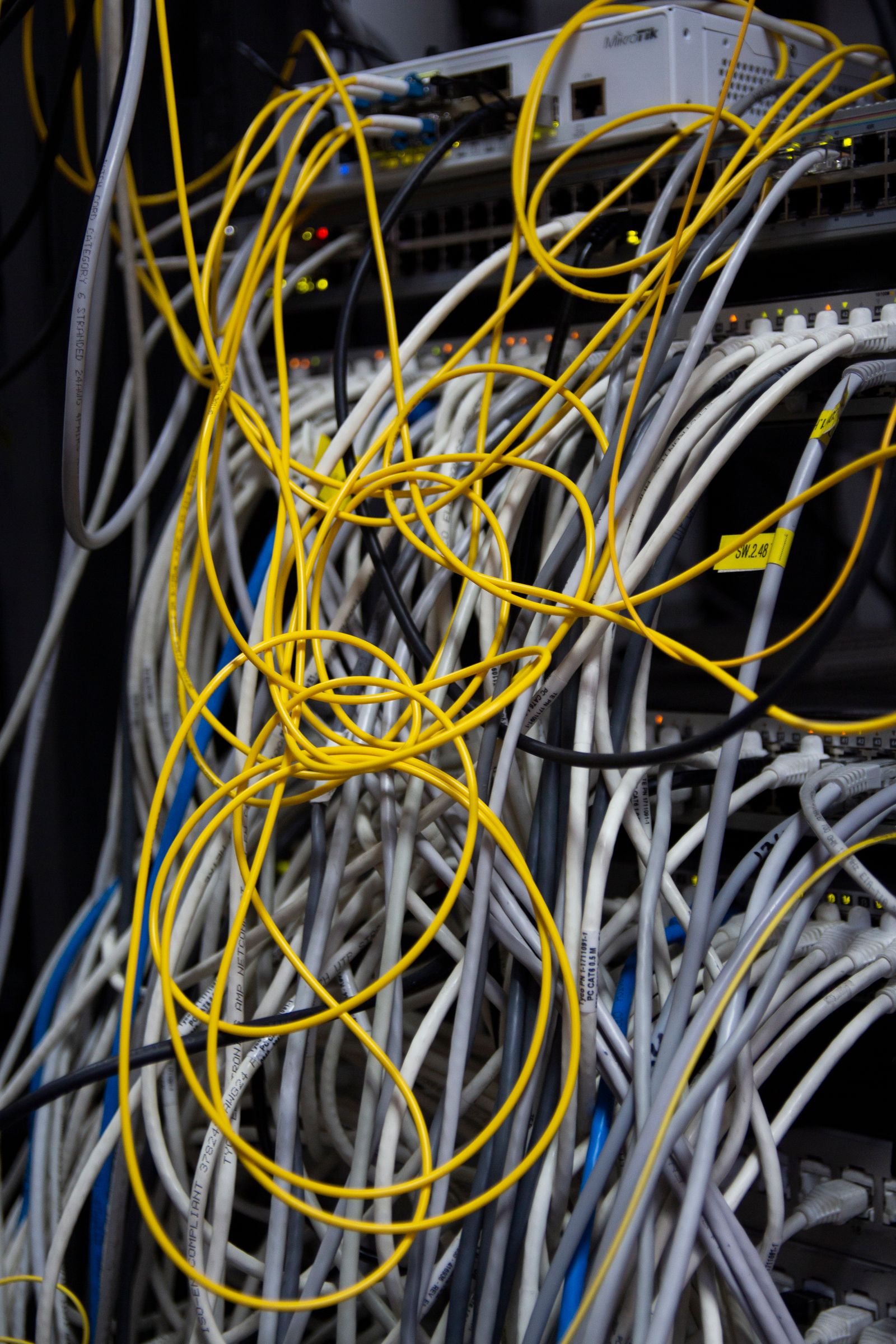
A real outdoor AP is a sealed brick with gasketed ports and a UV-stable shell, and that is most of what you are paying for. The radio inside is often the same one that lives in an indoor unit at half the price. What differs is whether it survives a freeze-thaw cycle with salt spray on it.
Look for IP67 rather than IP65 if the unit faces weather, and check that the Ethernet port has a proper gland rather than a rubber flap. Flaps let water in the first time the cable hangs with weight on it. We have opened units after two seasons that were half full and still working, which is not a feature.
Mount it at the edge of the coverage you want, not the middle. Radios radiate outward and slightly down, so an AP under the eave aimed at the lawn will beat one on a fence post every time. Eight to twelve feet is usually enough height. More mostly buys a longer cable run.
See outdoor PoE access points on Amazon →
2. Direct Burial Cat6
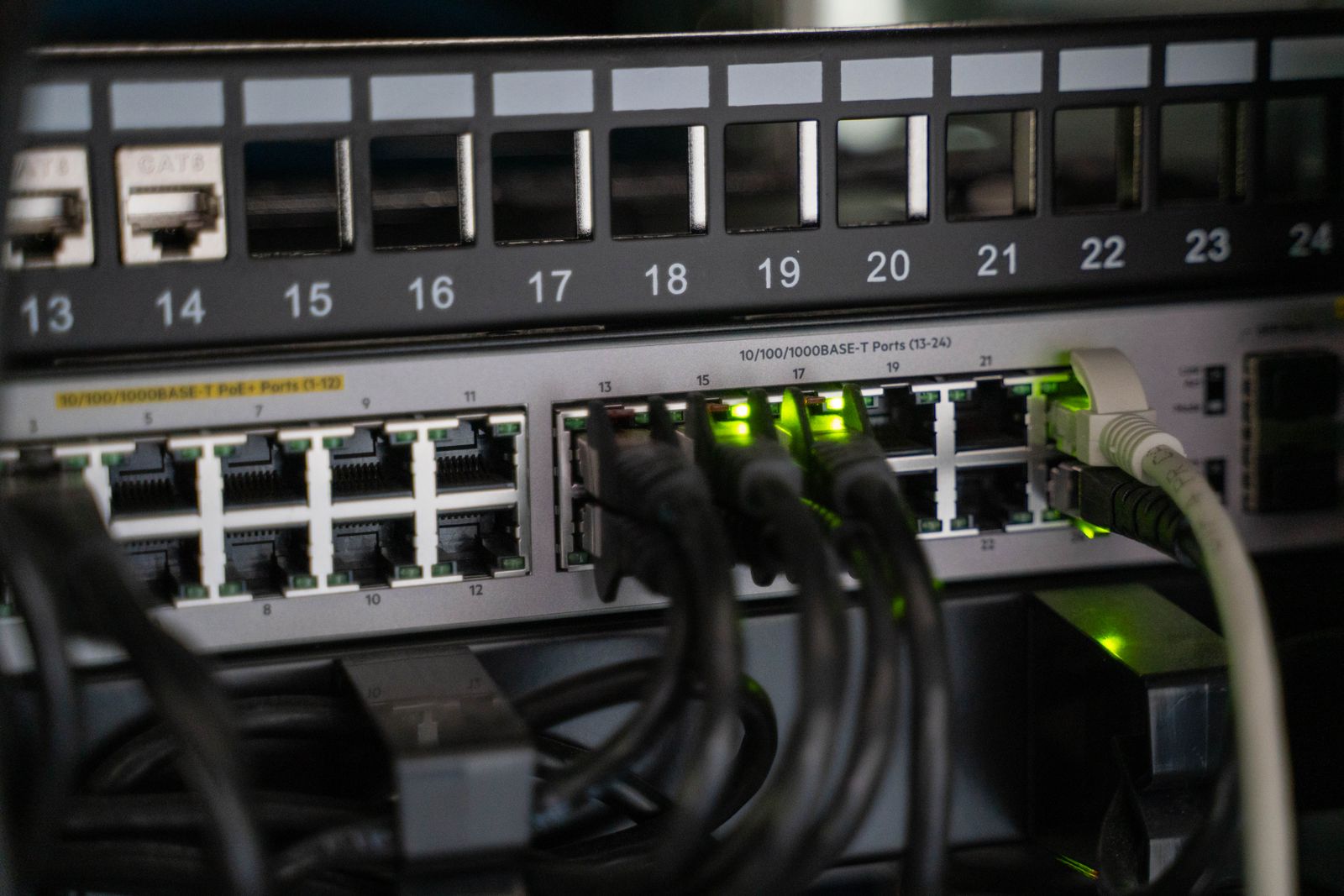
Two things separate cable that lasts underground from cable that turns to green mush. The first is a gel-filled core, which displaces water that gets past the jacket. The second is solid copper conductors. Copper-clad aluminum is cheaper, it is all over the marketplace, and it is a poor choice for PoE because resistance is higher and the voltage at the far end sags.
The jacket should say UV resistant and ideally be rated for direct burial. Even then, we run it inside conduit for any span a mower crosses. A trimmer will cut through direct burial cable in one pass, and the repair splice is where the water gets in.
Terminate carefully. Outdoor runs want a proper crimp, a strain relief, and a drip loop at both ends so water runs off rather than into the connector. Leave a service loop of a couple of feet at each end. You will need it the first time you change an AP.
See direct burial Cat6 spools on Amazon →
3. PoE Injector 30W
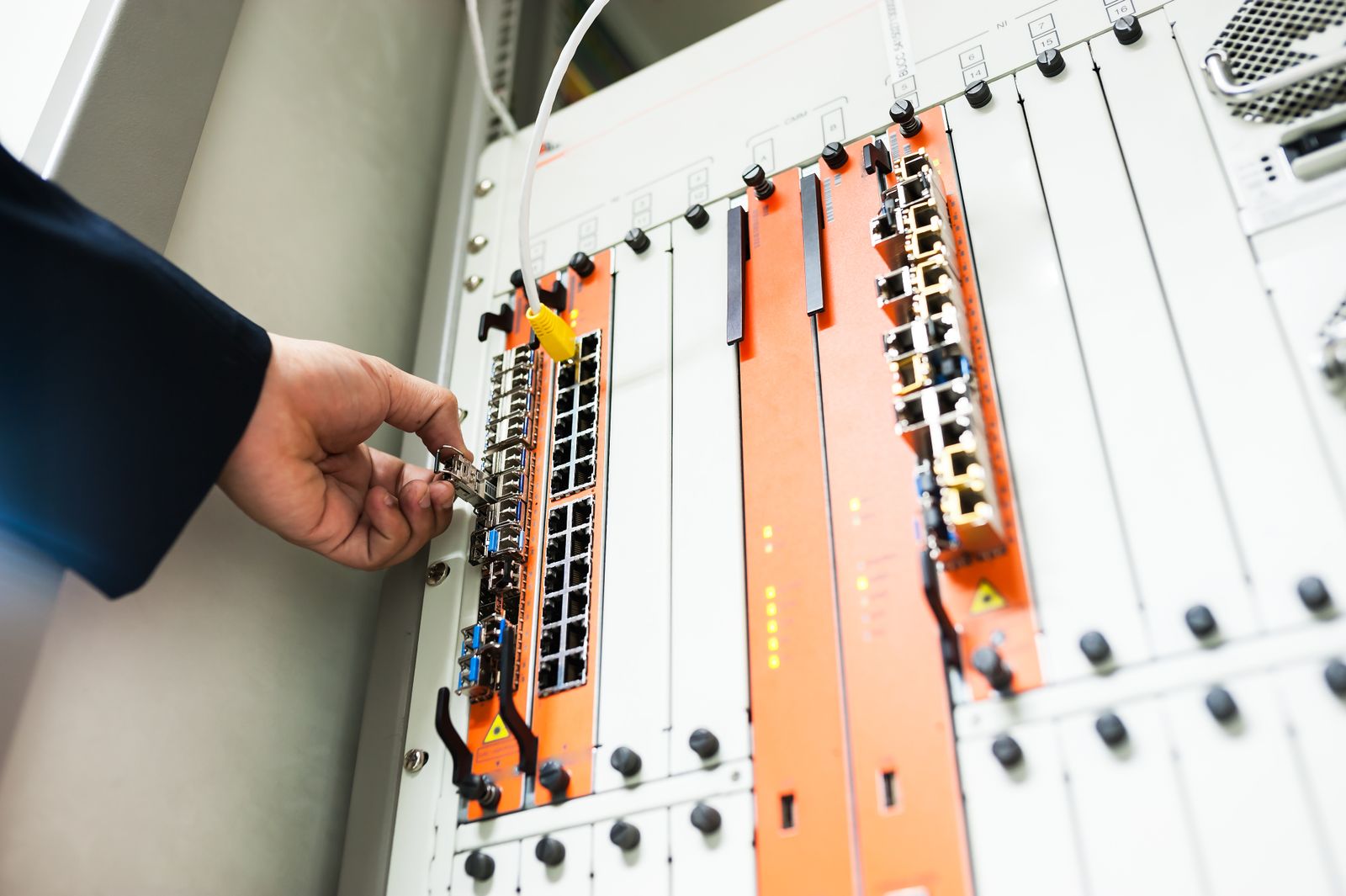
An injector is a dumb, cheap part that people overthink. Match the wattage to the AP’s class with some margin, and buy one that passes gigabit on all four pairs. A 30W unit covers most outdoor APs with room for the cable loss on a long run.
Gigabit passthrough matters more than the wattage number on the box. Cheap injectors are 10/100, which caps your whole outdoor link at a hundred megabits no matter what the radio can do. That is a strange way to save a few dollars once you are streaming to a tablet on the dock.
If the injector lives outdoors, it needs a home. Ours sit in an enclosure on the shaded side of the house with the cable entering from below. Heat kills these things faster than cold does, and a sealed box in direct sun is an oven.
See 30W gigabit PoE injectors on Amazon →
4. Omni Outdoor Antenna
An omni antenna is the right tool when clients are spread around the AP, which is the dock situation exactly: boat on one side, fire pit on the other, a shed behind you. A panel would be stronger in one direction and useless in the others.
The gain figure is less interesting than the pattern. A high-gain omni flattens the vertical spread, which means it reaches further along the water and less well to someone sitting on the deck directly below. On a dock with a tide range, that matters. Six to eight dBi of gain is a sane middle.
Every connector costs you. N-female on the antenna into an N-male on a short pigtail is fine. Three adapters and a ten-foot jumper is not. Keep the coax short, bends gentle, and tape the joint so water cannot sit in the threads.
See outdoor omni WiFi antennas on Amazon →
5. Weatherproof Enclosure
Sooner or later you need a box. An injector, a small switch, a surge protector, a splice — none of those belong in the weather, and all of them end up outdoors on a dock install.
Size it for the cable, not the electronics. Glands take up room, service loops take up room, and a box sized exactly to the gear is a fight every time you open it. Clear lids earn their premium because you can see a dead LED without unscrewing anything.
Condensation is the quiet killer. A sealed box that cycles between warm days and cold nights will collect water on the inside of the lid. A tiny desiccant pack changed once a year does more than any gasket.
See weatherproof junction box enclosures on Amazon →
What we get wrong on these installs
Putting the AP inside a plastic box under the deck is the classic. Plastic is transparent to radio, so people assume a box is harmless. Then they use a box with a metal latch, a metal backplate, or a foil-lined lid, and the coverage pattern develops a shadow exactly where the box hardware sits. Mount the AP in free air and put only the power gear in the enclosure.
The second is running the cable to the far end of the property and putting the AP there. Coverage radiates away from the antenna, so an AP at the end of the dock serves the water and not the slip behind it. Put the radio where the people are.
Third, and most common: no drip loop. Water follows cable. A run that enters a connector from above will fill that connector within a season. Every outdoor connection we make gets a loop lower than the port, and every one of them gets a wrap of self-amalgamating tape over the joint.
FAQ
Can I just add a Starlink mesh node outdoors? Only if the node is rated for it. The mesh units are built for indoor use, and putting one on a covered porch is a gamble that sometimes pays. A dedicated outdoor AP on a wired run is the version that does not need a tarp.
Will a second access point slow down the main network? Not if it has a wired backhaul. It is a separate radio on the same wire. If it connects by mesh or repeater, expect roughly half the throughput at the far node.
How far apart can the AP and the router be? Around a hundred meters of cable is the practical ceiling for PoE over copper, less if the cable is thin or the run is hot. Beyond that, put a small switch in the middle or switch to fiber and a media converter.
Bottom line
Getting WiFi to the dock is a cable problem with a radio at the end, not a radio problem you solve by buying a bigger router. Run one buried Cat6, power the AP over it, and mount the radio where the signal has somewhere to go.
Everything else is detail. The AP matters less than its location, the location matters less than the cable surviving, and the cable surviving is mostly gel fill, conduit, and a drip loop at both ends. Do those three things and the dock will have signal in February, which is the only test that counts.