The Gen 3 Standard dish — plenty of people call it Gen 4, and the box doesn’t argue — changed the cable in a way that matters more than any spec sheet admits. The older dishes shipped with a captive cable you could not detach; nick it, or let a squirrel chew it, and the whole dish went back. The Gen 3 moved to a detachable connector at both ends, which means you can finally replace a damaged cable for the price of a cable instead of a dish. We’ve swapped cables on a rooftop install, a cabin, and a van now, and the difference in how you plan a job is real.
Detachable does not mean universal, though. The connector is proprietary, the pinout is not something you crimp at the kitchen table, and a cable that “looks about right” will either refuse to seat or work for a week and then start dropping in the rain. So this is really three questions: which cable fits your dish, how far can you run it, and how do you keep water out of every joint. Answer those and a Gen 3 install turns boring, which is exactly what you want.
What a Gen 3 cable setup needs
Three things: the correct connector for your generation, enough length that you aren’t stretching the run under tension, and weather protection at every joint and every wall penetration. Gen 3 ends look similar to Gen 2 ends if you squint, but they don’t interchange, and the dish will tell you by simply not booting. Length matters because these are low-voltage DC cables — 48V nominal on the Standard — and voltage drop grows with distance and current. Past roughly 150 feet, we start paying attention to gauge. And water is the quiet killer: a connector that gets wet, then freezes, then thaws is a connector that corrodes from the inside.
| Product | Best For | Key Features | Price |
|---|---|---|---|
 |
Gen 3 Replacement Cable |
|
Check Price on Amazon |
 |
DC Extension Cable |
|
Check Price on Amazon |
 |
Cable Connector Kit |
|
Check Price on Amazon |
 |
Gen 3 Ethernet Adapter |
|
Check Price on Amazon |
 |
Cable Clip & Gland Kit |
|
Check Price on Amazon |
1. Gen 3 Replacement Cable
A direct replacement for the cable that ships with the Standard dish is the first thing to buy if yours is cut, chewed, or kinked. These come with the correct ends for Gen 3 at both ends, so there’s no adapter in the middle to fail — which is the whole point. We keep one on the shelf, because a spare cable turns a dead weekend into a ten-minute fix.
Buy by length for your actual install, not the shortest thing available. A run that’s too short means a stressed connector at the dish end, and stressed connectors are where moisture gets in. Weather-rated jackets matter if any part of the run is outdoors; the cheap indoor-only jackets crack after a single summer of UV and cold cycling. And match the generation, not just the shape — this is the mistake we see most, and it’s a silent one until the dish never comes online.
Liked: drop-in, correct ends, no adapter to debug. Catch: it’s a proprietary cable, so you can’t just grab any patch from the drawer — order the right one and keep a spare.
See Gen 3 replacement cables on Amazon →
2. DC Extension Cable
When the dish is farther from the power source than the stock cable reaches, an extension is the honest answer — as long as you respect voltage drop. These extend a DC feed, and on a longer run the voltage at the far end sags, which the dish experiences as an unreliable power supply. That shows up as boot loops or dropouts under load, not as an obvious failure, so people blame the dish when it’s really the run.
Keep the cut end dry. Every extension introduces a joint, and every joint outdoors needs a waterproof connection and a drip loop so water runs off rather than along the cable into the connector. We’ve traced “flaky internet” calls back to a joint taped with electrical tape that had quietly filled with water over a winter. Do it properly once with sealed connectors and the extension is invisible.
Liked: buys you distance without a new dish cable. Catch: voltage drop is real on long runs, and a badly sealed joint will fail in the wet — plan the drip loop before you plug anything in.
Compare DC extension cables on Amazon →
3. Cable Connector Kit
If you’re building a custom run or repairing an existing one, a connector kit gives you sealed in-line joins and cable glands for panel entries. This is unglamorous gear that quietly decides whether your install survives a winter. The glands are the part people forget: they’re what lets the cable pass through a wall or enclosure lid without leaving a gap for water and insects.
We treat every penetration as a future leak and seal it like we mean it. A gland compresses around the jacket and grips it, so the cable can’t be yanked out by a gust and the hole stays closed. For in-line joins, the sealed type beats a bare crimp every time. It’s cheap, and it’s the difference between a run that lasts a decade and one you’re redoing next spring.
Liked: turns a hack into a proper install for a few dollars. Catch: you have to actually use the glands and not skip them because the hole was “close enough.”
See connector kits on Amazon →
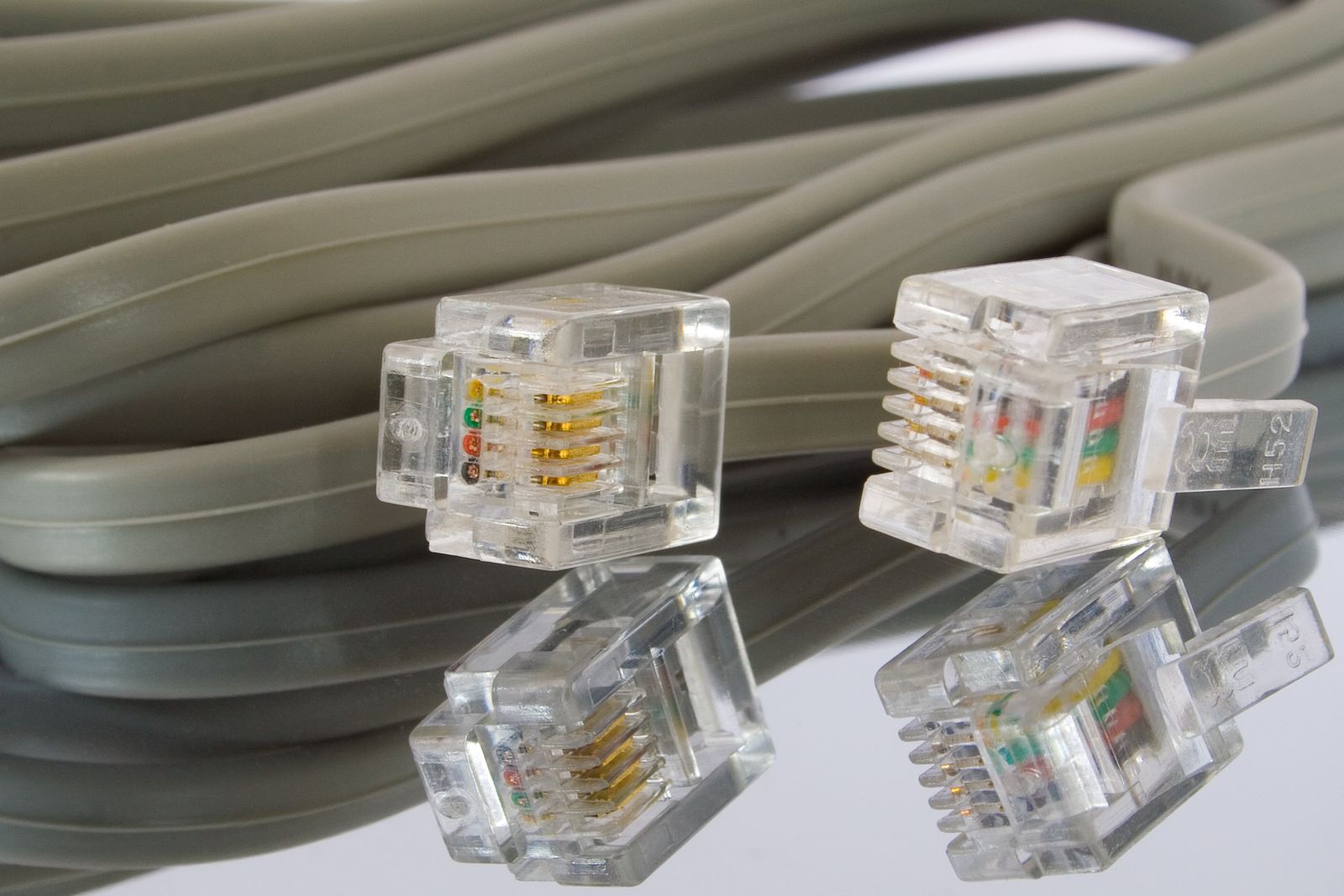
4. Gen 3 Ethernet Adapter
The Ethernet adapter is how you get a wired port out of a Gen 3 system. It plugs into the Gen 3 router and gives you a physical jack, which is the gateway to running your own router in bypass mode or simply wiring a device that hates WiFi. It’s simple, it’s cheap, and it’s the first accessory we add when someone wants a wired backbone rather than a WiFi-only network.
Check your generation before you buy — the Gen 3 adapter is not the Gen 2 part, and mixing them up is a common and frustrating mistake. If your goal is a wired desktop, a console, or an access point in a far room, this is the piece that makes it possible. Run a good cable from it and you’ve decoupled the dish’s WiFi from the devices that need a stable, low-latency link.
Liked: one small part opens up a whole wired setup. Catch: it’s one port, not a switch, so plan for a cheap switch downstream if you need several wired devices.
See Gen 3 Ethernet adapters on Amazon →
5. Cable Clip & Gland Kit
The last piece is the least exciting and the one that makes a run look and last like it was done by someone who cares. UV-stable clips hold the cable to the wall or mast so it isn’t swinging in the wind, and glands seal every entry point. A cable left to flap against a hard edge will wear through its jacket in a season or two; regular clipping removes the movement that causes the wear.
Strain relief is the real point. The connector at the dish should never carry the weight of the cable, and the connector at the router shouldn’t either. Clip every couple feet, leave a small service loop near each end, and put a gland at every hole. We’ve re-done installs where the only problem was a cable sagging and pulling on its own connector — a ten-dollar fix that prevents an expensive one.
Liked: cheap, tidy, and it genuinely extends cable life. Catch: it’s manual labor nobody enjoys, and skipping it just moves the failure to next year.
See cable clip and gland kits on Amazon →
Gen 3 vs Gen 2 connectors (why they don’t swap)
The two connectors are close cousins, not twins. They were designed for different dish generations with different power and signal arrangements, and the keying and pinout don’t match up. What that means in practice is simple: a Gen 2 cable will not properly serve a Gen 3 dish and vice versa, and the failure is often silent until the dish refuses to come online. Buy for the dish you own, and if you’re buying used, confirm the generation before you order anything.
We keep the two generations physically separated in a drawer, because at a glance they’re easy to confuse and the mistake costs a whole afternoon. If you’re unsure, look at the dish’s mast and router — the generation is stamped and documented — rather than trying to eyeball the connector. Guessing here has never once worked out.
Voltage drop over long runs
The Standard dish runs on a 48V DC feed, and that voltage is not infinite. Push it too far down a thin cable and the far end sags, which the dish reads as an unstable supply. Longer runs and higher current both make it worse. If your run is creeping past the 150-foot range, size the conductor up rather than chaining cheap extensions, and remember that every extra joint is another place to lose a little voltage and gain a little water.
Our rule of thumb: keep the run as short as the layout allows, use one continuous length where you can, and if you must extend, use a heavier gauge and seal it. The dish draws the most current when it’s cold and first booting, so a marginal run might work all summer and fail the first cold morning. Test it in the worst conditions you expect, not the nicest.
Water is the enemy (and how to fight it)
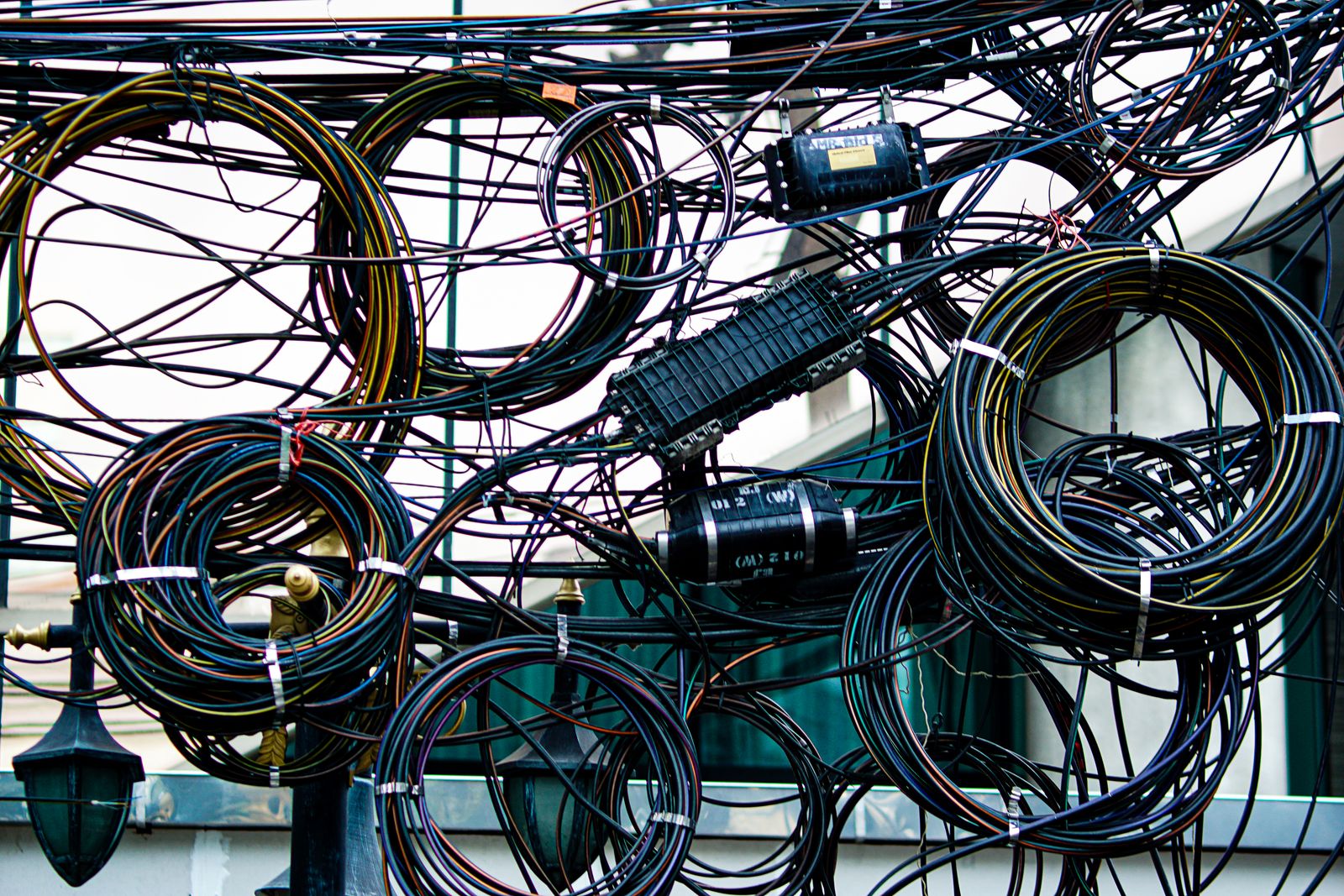
Almost every cable-related failure we’ve diagnosed came down to moisture, not electrons. The fix is systematic rather than clever: a drip loop below every entry so water runs off instead of along the cable, sealed connectors at every outdoor joint, glands at every wall hole, and clips to stop the cable from chafing and flexing. None of it is expensive; all of it is easy to skip.
An outdoor-rated jacket buys you UV and cold resistance, but it doesn’t seal your connectors — that’s on the install. Point the connector joints downward where possible, and if a joint lives in an exposed spot, put it inside a small sealed enclosure rather than trusting tape. Re-inspect the run once a year. Five minutes with a flashlight finds the cracked jacket before it becomes a dead link.
Comparison
| Item | Best for | Weather rating | Watch out for |
|---|---|---|---|
| Gen 3 replacement cable | Dead or damaged stock cable | Outdoor jacket | Match the generation |
| DC extension cable | Reaching farther than stock | Depends on joint | Voltage drop, wet joins |
| Connector kit | Custom runs and entries | Sealed | Use the glands, every time |
| Ethernet adapter | Wired devices and bypass | Indoor use | Right gen, one port only |
| Clip & gland kit | Tidy, strain-relieved runs | UV-stable | The labor you want to skip |
FAQ
Can I extend a Gen 3 cable with any barrel extension? Not safely. The connector is proprietary and the feed is a low-voltage DC line sensitive to resistance. Use an extension rated for the voltage and current, seal the joint, and keep the total run reasonable. A random barrel adapter from a drawer is how you get mystery dropouts.
How do I know if my dish is Gen 3? Check the dish and router documentation rather than eyeballing the connector — the generations look similar up close. The router type and the dish’s shape are the reliable tells. Confirm before you order a cable or adapter, because returning the wrong generation part is a wasted week.
Does a longer cable hurt speed? Bandwidth isn’t the issue at these lengths; power delivery is. A run that’s too long mainly risks an unstable supply, which shows up as reboots or dropouts rather than a slow speed test. If speed is your complaint, look at WiFi and the router before you blame the cable.
Do I really need a gland at the wall? Yes, if you want it to last. A bare hole lets in water, insects, and drafts, and the cable can chafe against the edge. A gland costs almost nothing, grips the jacket for strain relief, and closes the gap. It’s the cheapest insurance in the whole install.
Our pick
If your cable is dead, start with a Gen 3 replacement cable sized to your actual run, and pair it with a clip and gland kit so the new cable doesn’t meet the same fate as the old one. That’s the whole trick: replace the failure and remove the cause.
If you’re building new rather than repairing, add an Ethernet adapter while you’re at it so you have a wired option from day one. Match the generation, respect the run length, and seal every joint — do those three and the cable becomes the part you stop thinking about.