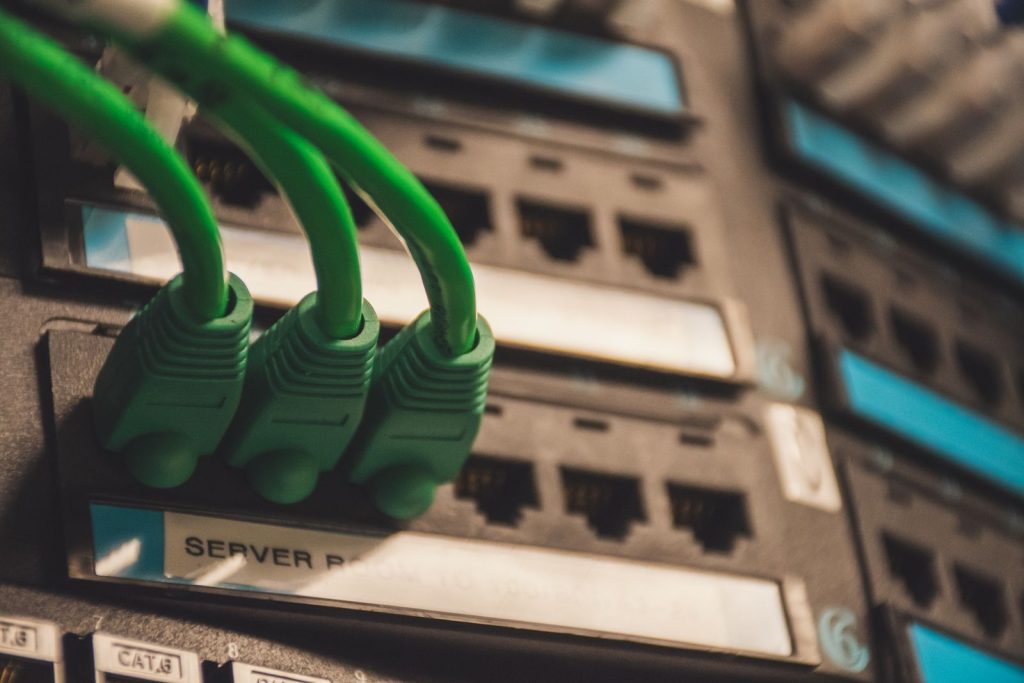
Starlink handles the hard part — pulling a connection out of the sky — but the gear that spreads it around your property usually wants Power over Ethernet. Outdoor access points, security cameras, a wireless bridge to a barn, a second router on a long run: nearly all of it expects both data and power on a single cable. That’s the job of a PoE injector, and we’ve leaned on them at cabins, on boats, and across a 300-foot field where running a second extension cord was never an option.
Injectors aren’t exciting, and that’s the whole point. Done right, one of them turns a messy wall-wart-and-extension-cord situation into a tidy Ethernet run that simply works for years. Done wrong, the wrong voltage turns a $200 camera into a paperweight. This is the part of a Starlink build where a little knowledge saves a lot of money, so it’s worth ten minutes before you click buy.
What a Starlink PoE setup needs
Three things matter: the right standard (af, at, or bt), enough watts for the device’s worst case, and a cable short and fat enough to carry that power without sagging. Most “my access point keeps rebooting” calls we’ve helped with traced back to a watt budget that looked fine on paper but failed at peak, or a thin-cheap cable on a long run that dropped voltage below what the device needed. Get the standard and the watts right, keep the run sensible, and PoE becomes forgettable in the best way.
| Product | Best For | Key Features | Price |
|---|---|---|---|
 |
802.3af/at PoE Injector |
|
Check Price on Amazon |
 |
48V Gigabit PoE Injector |
|
Check Price on Amazon |
 |
Passive PoE Injector |
|
Check Price on Amazon |
 |
PoE Splitter |
|
Check Price on Amazon |
 |
PoE Switch |
|
Check Price on Amazon |
1. 802.3af/at PoE Injector
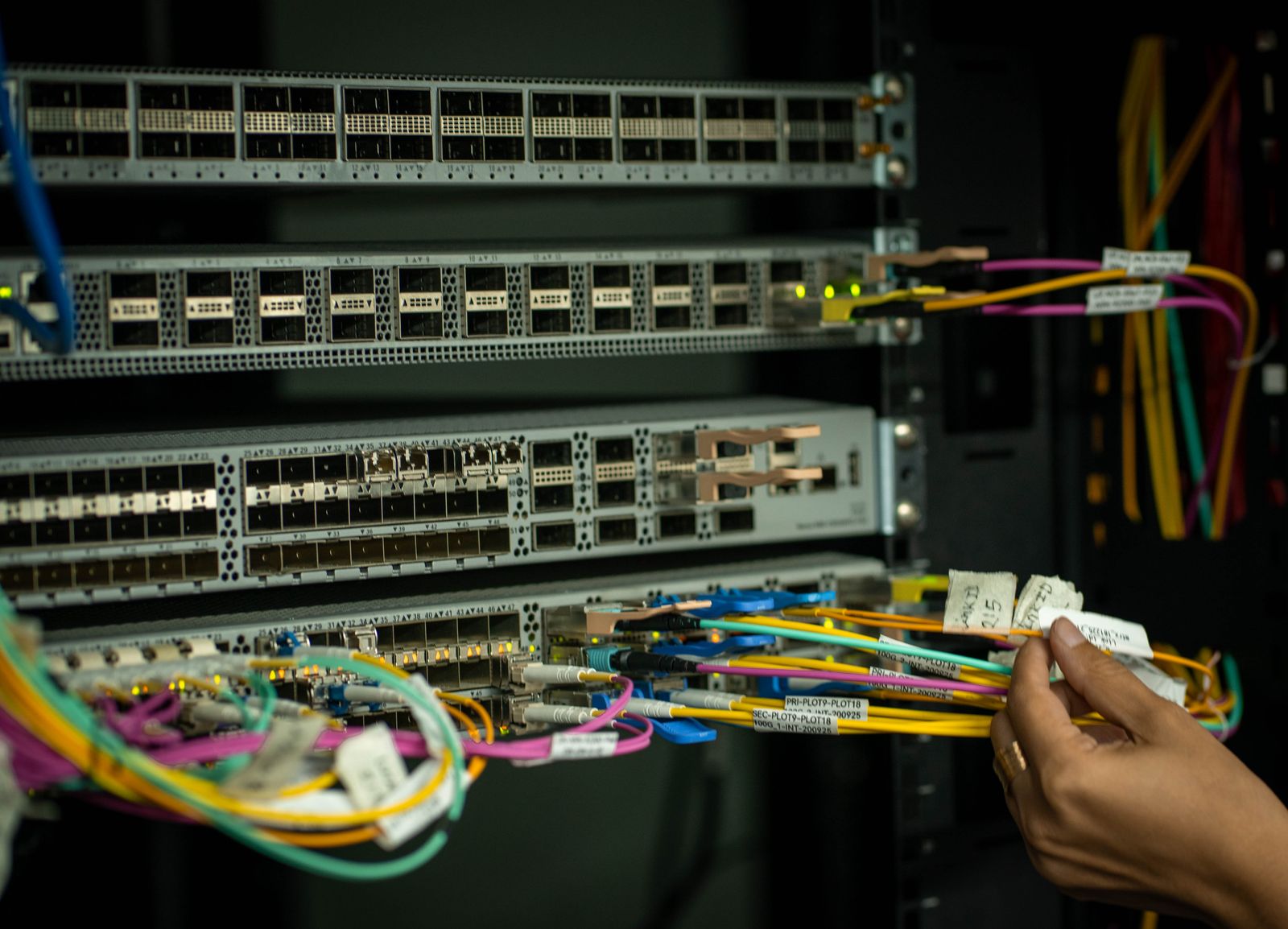
The standard 802.3af/at injector is the workhorse of the bunch. It sits between your Starlink router or a switch and the device, listens for the PoE handshake, and only sends power once the gear asks for it. That negotiation is the safety feature: a device that isn’t PoE never gets fried, because the injector refuses to power a port that doesn’t request it. We keep a couple of these in a drawer because they solve an access point or camera problem in about four minutes flat.
At delivers roughly 30W at the port, which covers the overwhelming majority of access points, cameras, and small outdoor radios you’d hang off a Starlink connection. It’s 48V on the cable, the industry standard, so the same injector plays nicely with nearly everything you own. The trade-off is the ceiling: a PTZ camera with a heater, or a multi-radio access point, will bump into 30W and demand you step up to PoE++.
Liked: it negotiates before it powers, so it’s genuinely hard to hurt anything, and standards-based units are cheap. Catch: 30W is a real limit, heavy gear will brown out, and a single-port injector adds one more little brick wherever you can find an outlet. Compare the watt rating against the device’s peak draw, never its idle number, and you’ll avoid the classic reboot loop.
See 802.3at injectors on Amazon →
2. 48V Gigabit PoE Injector
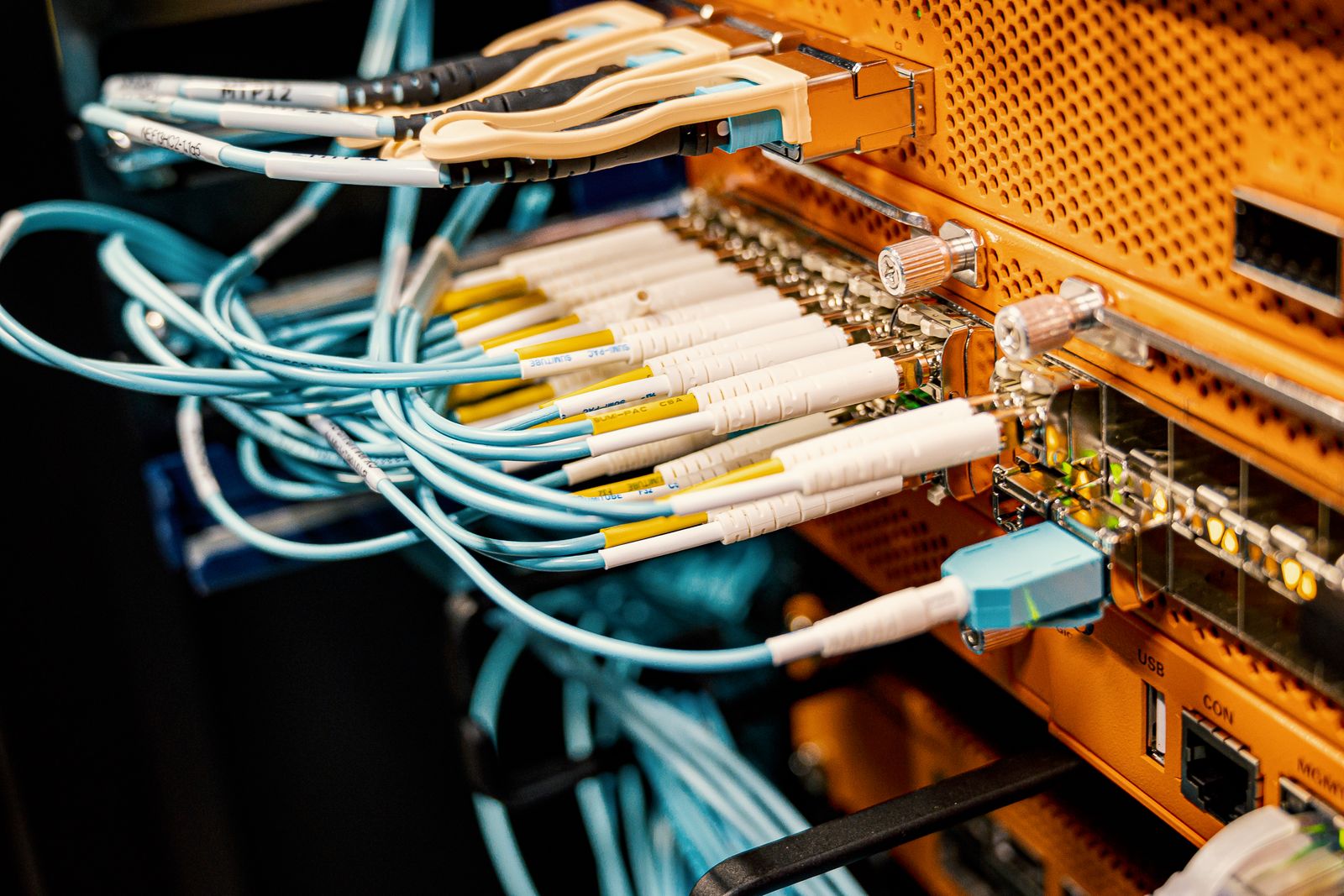
When you need the full gigabit pipe through the injector rather than just enough for a camera, a proper 48V gigabit unit is the one to grab. Some cheap injectors quietly drop the data link to 100Mbps because the internals can’t handle gigabit and power at once. On a Starlink feed that’s a silly bottleneck, since the dish can absolutely deliver more than 100Mbps, and you’d never see it unless you tested the link speed. A full gigabit injector keeps the data path clean, so a downstream access point or router gets every bit the dish offers.
These injectors are also the honest answer for long runs to remote gear. You put the injector near the Starlink router, then one cable carries data and 48V out to the device up to the practical distance limit. The injector itself does the conversion from your mains supply to 48V, and it does so in isolation, so there’s nothing to fuse on the PoE side. The discipline is on the device end: match volts to what the gear actually wants, because higher-voltage standards are not universal.
Liked: keeps the link at gigabit and handles long runs to distant gear without a second power cable. Catch: people assume “PoE” is one thing and plug a 48V injector into gear that wanted 24V, which is a fast way to a dead device. Read the label on both ends before the first connection, every time.
See 48V gigabit injectors on Amazon →
3. Passive PoE Injector
Passive PoE injectors are the blunt instrument of the category. There’s no negotiation and no handshake: the moment the injector has power, it shoves voltage down the cable whether the far device wants it or not. That sounds dangerous, and it is if you’re careless, but plenty of outdoor radios and older access points use passive PoE by design. We’ve run passive injectors for years on gear that simply doesn’t speak the 802.3 handshake, and they’re dead reliable when you match the voltage exactly.
The rule with passive is simple and unforgiving: know the voltage the device expects, and never guess. A 24V passive injector feeding a 48V device, or the reverse, is how builds get expensive. The upside is simplicity — no negotiation quirks, no firmware surprises, just always-on power that works with the most stubborn hardware. If you keep a small labeling habit (mark the injector with the device it feeds), passive PoE stays boring.
Liked: works with gear the standards-based injectors can’t talk to, and there’s nothing to misnegotiate. Catch: the wrong volts fry devices instantly, and there’s no safety net. Buy the exact voltage, label it, and treat every passive connection like it matters, because it does.
See passive injectors on Amazon →
4. PoE Splitter
A PoE splitter is the mirror image of an injector, and it’s the piece people forget they need. It takes PoE in on the Ethernet cable and splits it back out into power plus a plain data connection, which is exactly what you want when the device at the far end isn’t PoE-capable. We used a splitter to feed a non-PoE router in an outbuilding: one cable from the Starlink side, a splitter at the far end, and suddenly the device that “couldn’t” be remote was remote.
The critical detail is the voltage coming out of the splitter, because that’s what feeds your device. Pick one that outputs the exact rail your gear wants, commonly 12V or 5V for consumer devices. This is the setup that makes a remote node on a long run genuinely clean — no second power drop, no local outlet, no inverter. It’s a small, cheap part that changes what’s possible.
Liked: one cable now powers and connects a non-PoE device hundreds of feet from the source. Catch: the output voltage has to match, and if you pick the wrong barrel size or rail you’ll be fiddling with adapters. Great for remote nodes, less useful if the device wants a lot of watts.
5. PoE Switch
Once you’re powering more than two devices, individual injectors become a rat’s nest of little bricks and spare outlets. A PoE switch replaces the whole pile: one power feed, several ports, each one delivering data and power to the gear you plug in. We swapped five injectors for a single eight-port PoE switch and immediately regretted not doing it a year earlier — the cable spaghetti vanished, and every device had a labeled port. If your Starlink setup is growing, this is where it should land.
The one number people miss is the total power budget. An eight-port switch might advertise 30W per port but only have a 60W or 120W total pool, which means you can’t run every port at full draw at once. Add up the peak watts of everything you plan to connect and leave headroom, or you’ll watch ports shut off under load with no obvious warning. Managed switches add VLANs and per-port control if you want to segment cameras from your main network.
Liked: one clean unit replaces a shelf of injectors, with labels and a real watt budget you can see. Catch: the total budget is the trap, and an over-subscribed switch will drop ports when demand spikes. Unmanaged is plenty for most homes; go managed only if you actually need VLANs.
Watt budget math that saves your gear
Here’s the arithmetic that matters most, and almost nobody does it up front. Every PoE device has an idle draw and a peak draw, and the peak is the number that counts. A camera that sips 6W at rest might pull 18W when its heater or IR kicks on. Multiply the peaks by the number of devices and compare that total against the injector’s or switch’s real budget. If the math is close, oversize — running an injector at 90% of its limit forever is how you get random mid-winter dropouts.
The cable eats into that budget too. Thin, long runs lose voltage to resistance, so a device that works on a three-foot patch cable can brown out on a 100-foot run. If a device reboots only sometimes, and only on long runs, the cable is usually the culprit, not the injector. Shorter and thicker cable is free reliability.
Active versus passive: the one rule you can’t break
Active (standards-based) PoE negotiates; passive doesn’t. You can mix active injectors with active devices freely, which is why most modern access points and cameras are plug-and-play. Passive is a closed club: it needs the right voltage and expects the device to be built for always-on power. The rule you can’t break is to never assume — read what the device wants and match it. We’ve watched someone feed a passive 48V down a cable to a device that wanted 24V and lose it in a puff. Five seconds of reading beats a replacement order.
Distance and cable realities
PoE is not a magic wand for infinite distance. The practical Ethernet limit is about 100 meters per run, and PoE makes you feel that limit sooner because voltage sag adds to signal loss. If a device sits past that, the fix isn’t a bigger injector, it’s a mid-span switch or a fiber jump to reset the distance count. We’ve run to a barn at the edge of the limit and it was fine; anything beyond needed a switch halfway. Plan the topology before you buy, and you’ll never fight a device that “works, mostly.”
Comparison
| Option | Standard | Typical use | Watch out for |
|---|---|---|---|
| 802.3af/at injector | Active | Single AP or camera | 30W ceiling |
| 48V gigabit injector | Active | Long run, full speed | Volts must match device |
| Passive injector | Passive | Legacy or fixed-volt gear | Wrong volts fry devices |
| PoE splitter | Either | Feeding a non-PoE device | Output voltage and plug |
| PoE switch | Active | Three or more devices | Total power budget |
FAQ
Does Starlink itself need a PoE injector? The standard dish comes with its own power supply and cable, so you’re not injecting PoE into the dish in a normal install. Where injectors earn their keep is the gear around it — access points, cameras, bridges, and remote nodes that hang off your Starlink network and expect power on the cable.
What’s the difference between af, at, and bt? Roughly, af is about 15W at the port, at (PoE+) about 30W, and bt (PoE++) 60W to 100W depending on the type. Match the standard to the device’s peak draw; buying bt for everything is safe but more expensive than you need for a single camera.
Can I just use a cheap injector? For a light device on a short run, often yes. The cheap ones bite you two ways: they sometimes cap the link at 100Mbps, and their watt claims are optimistic. For anything important or far away, a name-brand 48V unit is worth the small premium.
How do I know if my device is passive or active? Check the spec sheet. If it mentions 802.3af/at/bt, it’s active and negotiates. If it just lists a voltage like 24V, it’s likely passive and always-on. When in doubt, treat it as passive and match the voltage exactly.
Our pick
For a single access point or camera, we reach for a standard 802.3af/at injector — cheap, safe, and it negotiates so it’s hard to blow anything up. If you’re powering three or more devices and the brick pile is winning, swap the lot for a PoE switch and just watch the total watt budget.
Either way, the same logic applies: match the standard, respect the peak wattage, and keep the runs reasonable. Get those three right and PoE disappears into the background, which is exactly where you want it while the dish quietly does its job overhead.