
Big house, one Starlink router, and a bedroom on the far side where the WiFi signal goes to die. That’s the situation that sends most people shopping for mesh, and it’s the right diagnosis — a single router, even a good one, can’t cover a sprawling floor plan through a couple of thick walls. We’ve set up mesh on long ranch houses, two-story homes with a far wing, and places with a detached shop, and the fix is almost always the same: more access points, placed well, ideally wired together.
Mesh isn’t magic and it isn’t about buying the most nodes. It’s about covering the space with radios that hand traffic off cleanly and, where possible, backhauling to the main unit over cable instead of over the air. Do that and a Starlink connection feels solid everywhere. Skip it and you’ll have three boxes in a bucket, all fighting for the same airtime.
What a large Starlink home actually needs
Start with placement, not brands. A mesh system needs its nodes spread out enough to cover the dead zones but close enough that each node still holds a solid link to the next. The classic mistake is putting the second node right next to the dead bedroom instead of halfway between the router and the bedroom — too far, and the node itself has a weak signal to relay. Put it in the middle, where it can hear both ends clearly.
Then decide whether you can get a cable to the far node. This is the single biggest thing you can do for a Starlink mesh setup, because a wired backhaul means the node isn’t using the same radios it serves clients with just to talk back to the base. Even one run of Ethernet to the far end transforms a mediocre mesh into a fast one. If a cable is impossible, you lean on tri-band gear to keep the backhaul on its own radio; if a cable is possible, even a modest system shines.
| Product | Best For | Key Features | Price |
|---|---|---|---|
 |
2-Pack Mesh System |
|
Check Price on Amazon |
 |
3-Pack Mesh System |
|
Check Price on Amazon |
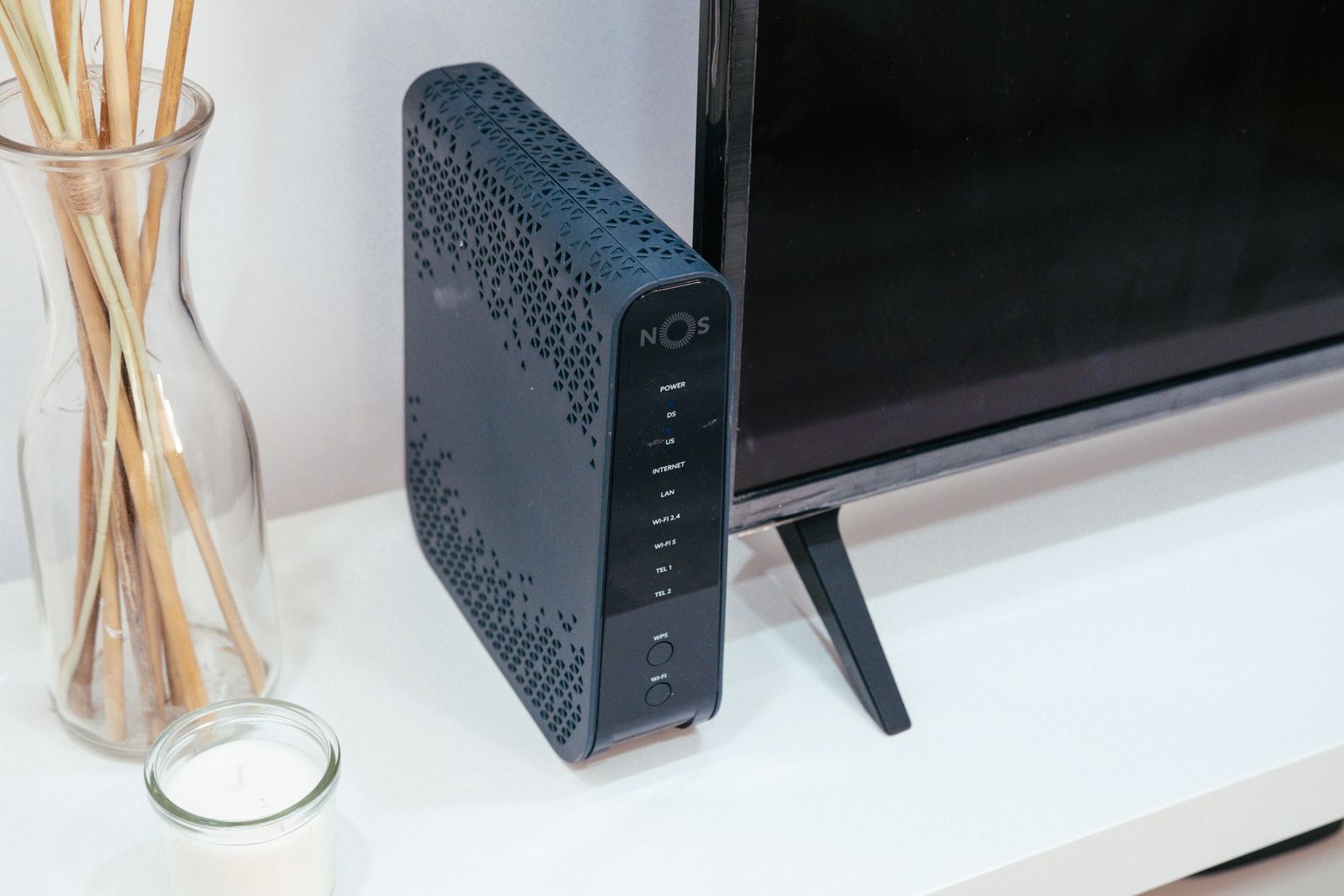 |
Tri-Band Mesh System |
|
Check Price on Amazon |
 |
WiFi 6E Mesh System |
|
Check Price on Amazon |
 |
Mesh + Powerline Kit |
|
Check Price on Amazon |
1. 2-Pack Mesh System
A two-piece kit is the right starting point for most two-floor homes, and it’s the honest answer for a lot of people who think they need three nodes. We put a two-pack in a long, narrow house — base at one end, second node in the middle — and the far rooms finally had usable signal without adding more boxes than necessary. App setup takes minutes; you plug them in, they find each other, and you’re online.
The one thing to do if you can is backhaul the second node with a cable. The two-pack covers the space by spreading the load across two radios, and a wire to the far unit keeps its backhaul off the client spectrum entirely. Where a cable isn’t practical, place the node carefully — roughly midway to the dead zone — and the wireless link stays healthy. Either way, you’ve got room to add another node later if the far corner still complains.
Liked: covers most two-floor homes, quick setup, expandable. Catch: one wireless hop between nodes costs some speed at the far end unless you wire it. For a very long house, go straight to three nodes.
See 2-pack mesh systems on Amazon →
2. 3-Pack Mesh System
Three nodes is the tool for genuinely large homes and for outbuildings — a garage office, a shop, a guest wing up a long driveway. Spreading three units across that much space gives you blanket coverage with few dead spots, and being able to add a node where the last problem child lives is worth a lot. We’ve covered a house plus a detached studio on a three-pack and the two buildings shared one network without anyone noticing the transition.
The whole system lives or dies on placement. Three nodes crammed into one end of a big house are worse than two spread properly, because nodes too close together waste radios and cause needless roaming. Put one at the router, one at the midpoint, and one at the far end, roughly in a line, and let them breathe. If the far node can take a cable run, wire it — that’s the difference between “good enough” and “better than the cable modem I used to have.”
Don’t over-buy on node count out of fear. More nodes isn’t automatically better coverage; it’s better coverage when they’re spaced well and worse performance when they’re jammed together. Start with the layout you need and add a node only if a spot stays weak after good placement.
Compare 3-pack mesh systems on Amazon →
3. Tri-Band Mesh System
Tri-band is the answer when you can’t run a cable and you still want speed at the far nodes. A tri-band system has an extra radio dedicated to the backhaul — the link between nodes — so the nodes can talk to each other on one band while serving your devices on the others. That keeps the bandwidth you feel from getting chewed up by the invisible chatter between boxes. We’ve watched tri-band hold up under heavy use where a dual-band system started to sag.
It’s the right choice for a busy home: multiple people streaming, gaming, and on video calls at once, with a couple of nodes in between. When the backhaul has its own lane, the far node delivers closer to full speed, and your devices stop competing with the mesh’s own plumbing. For a large house that can’t be wired, this is the upgrade that matters most, and it’s the one we reach for first in that scenario.
It costs more, and worth it is a judgment call. If your house is small and easily covered by two nodes, tri-band is money you don’t need to spend. If your house is large, uncabled, and busy, it’s the difference between mesh that works and mesh that constantly disappoints.
See tri-band mesh systems on Amazon →
4. WiFi 6E Mesh System
A WiFi 6E mesh system adds a clean 6GHz band, and the way it shines here is as a backhaul. Using 6GHz to link nodes gives you a fast, uncrowded channel between boxes, and because that spectrum is quiet, it holds up well outdoors and between buildings where 2.4 and 5GHz get noisy. For a big property — a main house plus a shop, or a long run across a yard — that clean backhaul is a real advantage.
As always, the benefit depends on your clients. The 6GHz band only helps devices that support it, so phones and laptops a few years old drop back to the busier bands. The backhaul role is the exception and the reason 6E mesh makes sense for a large property even with older clients: the nodes benefit from the quiet link between them regardless of what your phone can do. If your gear is recent, you get both the fast backhaul and fast client connections.
We like it most for sprawling, spread-out properties and for homes in dense neighborhoods where every band is already crowded. For a normal-size house without a big outdoor run, plain tri-band covers the same ground for less.
Compare WiFi 6E mesh systems on Amazon →
5. Mesh + Powerline Kit
A mesh system paired with powerline adapters is the clever workaround for a house where you can’t run Ethernet but you do have existing electrical wiring. The idea is to send the backhaul over your home’s power lines, so a far node gets a hardwired-quality link without a single new cable run. We’ve used it in an old house where the walls were impossible to fish and the far bedroom finally got a wired-speed backhaul over the existing wiring — no holes, no fuss.
The catch is honest and worth stating plainly: powerline performance depends entirely on your wiring. In a newer home on one circuit, it can be excellent. Across different circuits, through a panel, or in an old house with noisy lines, it can be slow or unreliable — sometimes slower than just using a wireless backhaul. Test it before you commit the whole system to it.
The good news is the best kits fall back to wireless automatically. If the powerline link is weak, the node still works over WiFi, just without the speed boost. Treat powerline as a bonus that sometimes works great, not a guarantee, and you’ll be pleasantly surprised more often than not.
See mesh plus powerline kits on Amazon →
Placement beats gear, every time
We’ve helped fix more mesh problems by moving nodes than by replacing them. A node buried behind a TV, tucked in a metal cabinet, or sitting on the floor next to a fridge will underperform no matter what it cost. Get them up off the floor, out in the open, and roughly centered between the router and the room you’re trying to cover, and the same hardware performs far better.
Think in a rough line or gentle arc from the router out to the dead zone, one node every room-and-a-half or so. If you have to choose between a node closer to the router or closer to the dead room, favor the midpoint — a node that can hear the base clearly will serve the dead room far better than one stranded at the edge with a weak link back.
Node count math: how many do you actually need?
Rough rule: one node per 1,200 to 1,800 square feet of open floor plan, and fewer if you can wire them together, because a wired node covers more ground reliably. A two-floor house of average size usually wants two nodes. A big house with a far wing or an outbuilding wants three. Anything beyond that and check placement before adding more boxes.
Chasing coverage with more nodes has diminishing returns. Each added node means more radios competing and more chances for a device to pick the wrong one to talk to. The goal is the least number of nodes that covers the space, wired where possible, not the most you can fit in the house.
Why Starlink changes the calculus
Mesh advice usually assumes a fast, stable wired connection underneath. Starlink isn’t that — your ping varies more, and it can dip for a second when the dish re-acquires. A good mesh doesn’t fix the satellite link, but it stops your own network from adding to the problem. Clean handoffs and a wired backhaul mean the only variable left is the dish and the sky, which is exactly where you want the blame to land.
It also means you shouldn’t expect mesh to cure high, jittery ping in a game — that’s the service, not your WiFi. What mesh can do is keep a far-room video call from stuttering and stop one heavy download from dragging down the whole house. Keep expectations aligned and the system will look like a success.
Comparison
| Option | Coverage | Backhaul | Best for |
|---|---|---|---|
| 2-Pack Mesh System | Most two-floor homes | Wireless or wired | Everyday homes, expandable later |
| 3-Pack Mesh System | Large homes, outbuildings | Wireless or wired | Sprawling layouts, separate buildings |
| Tri-Band Mesh System | Large, busy homes | Dedicated backhaul radio | Heavy use, no cable possible |
| WiFi 6E Mesh System | Big properties | 6GHz backhaul | Outdoor runs, dense neighborhoods |
| Mesh + Powerline Kit | Any size, depends on wiring | Over house wiring | No cable runs, no wireless luck |
FAQ
How many mesh nodes do I need for a large home? Plan on two for an average two-floor house and three for a big house with a far wing or an outbuilding. Fewer if you can wire the nodes together, because a wired node covers more ground reliably.
Is tri-band worth it over dual-band? Yes if your home is large, busy, and can’t be wired — the dedicated backhaul keeps your devices from competing with the nodes’ own chatter. For a small, easily covered house, dual-band is fine and cheaper.
Should I wire my mesh nodes? Whenever you can. A wired backhaul is the single biggest upgrade for a Starlink mesh setup; it frees the client radios and makes even modest gear perform well. Wireless is fine when a cable is truly impossible.
Why is my far room still slow after adding mesh? Almost always placement. A node stranded at the edge of coverage has a weak link back to the base. Move it toward the midpoint between the router and the dead room, off the floor and out in the open.
Our pick
For most large Starlink homes, a tri-band mesh system is the safest bet — the dedicated backhaul keeps speed up at the far nodes even when a cable isn’t an option. If you can run a wire, a 2-pack mesh system with a wired far node will embarrass fancier gear left to run wireless.
Buy slightly less hardware than you think you need, place it carefully, and wire whatever you can reach. That combination beats a pile of nodes every time.