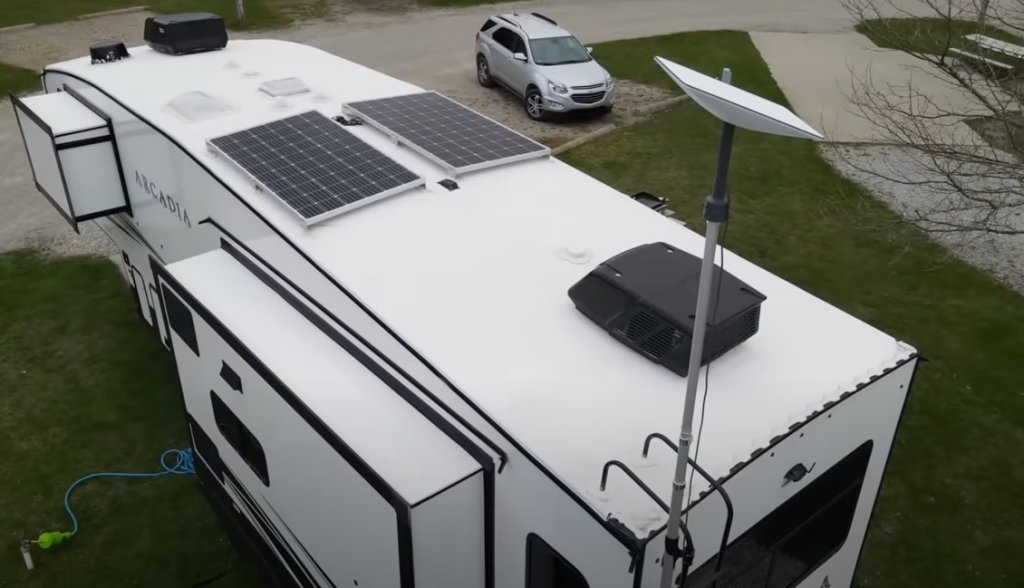
Two years into running Starlink dishes on a house, a van, and a cabin, I did an uncomfortable audit: I added up every accessory I had bought, guessed at what each one had actually earned, and sorted them into two piles. The keep pile was fine – mounts, the Ethernet adapter, one specific power bank. The regret pile totaled a little over $300, and the pattern behind those purchases is what this article is about.
Here is the pattern: almost every accessory I regret buying was sold by promising to improve the signal or protect from something Starlink already handles. The accessories I love all do something boring and physical – hold, route, seal, power. Starlink hardware is genuinely well-engineered; the aftermarket around it ranges from indispensable to parasitic. Below are the five categories I would skip today, what I wish I had known, and the cheap fixes that actually made my setup better.
1. Signal Boosters and “Amplifier” Kits – Pure Snake Oil
Let us start with the one that makes me genuinely annoyed. There is a category of listings – search anything like “Starlink booster” – selling powered amplifier boxes that claim to increase dish gain. Some are rebadged WiFi extenders with Starlink in the title. Some are literally a power injector with an antenna printed on the label.
Here is the physics problem: the dish’s RF chain is calibrated as a unit, and the useful signal arrives on the phased array inside the sealed assembly. A booster inline with the cable – which is where all these devices attach – is amplifying a signal path that is already digital or carrying power, depending on the generation. You cannot “boost” your way to a better satellite link from the cable side. If your speeds are bad, your problem is obstructions, congestion, or hardware, and a $90 amplifier box fixes none of those.
The cheap fix for weak WiFi inside the house is real, though: Starlink’s own Ethernet Adapter plus wired mesh nodes. That is a $20-30 adapter plus your choice of mesh system, and it is covered properly in our bypass mode mesh guide. If a listing’s main photo shows a box that clamps onto the dish cable, close the tab.
2. Third-Party Dish Covers for Gen 2 and Gen 3 – Solving a Solved Problem
I bought two. A quilted “thermal” cover for the Gen 2 and a fabric snow shield for the Gen 3. Both are currently in a bin in the garage, and both taught me the same lesson: the dish’s own thermal management is better than fabric.
Gen 2 and Gen 3 dishes have active heating and a snow-melt design that Starlink tunes over software updates – our winter operation guide has the measured power draw. A fitted cover does two things you do not want: it insulates the dish from the heat path it is designed to use, and it traps moisture against surfaces that were engineered to shed water. In my one winter with the quilted cover installed, the dish iced over worse behind the cover than the bare dish next to it did, because melting snow refroze at the fabric edge.
The cheap fix: clear the mounting location properly. On the cabin, moving the Gen 3 from a snow-pocket roof valley to a pole mount ten feet higher did more than any accessory could – pole mounting guidance lives in our Gen 3 kickstand and pipe adapter guide. Where you put the dish is the winter upgrade; fabric is a placebo with a zipper.
3. Off-Brand Power Bricks for the Mini – Where Saving $15 Costs a Weekend
The Mini runs on USB-C Power Delivery, and the aftermarket responded with a wall of $15-25 GaN chargers claiming 65W, 100W, even 140W. I bought three. One brand new, well-reviewed, 65W-rated brick could not sustain the Mini under load – it powered up fine, then browns out exactly when the dish ramps transmission, cycling the connection every few minutes. That failure mode is diabolical because it looks like a dish problem, an obstruction problem, a service problem. I spent a frustrating evening in a Utah campground blaming everything except the $19 charger before I borrowed a 100W bank and the cycling vanished.
The rule I follow now: for the Mini, use Starlink’s own 60W+ supply, or a bank/charger that publishes sustained (not peak) PD output and has reviews specifically mentioning Starlink. Our Mini power bank guide lists banks we verified at load. On the Standard dishes, the stakes are higher – those supply chains involve 48-56V DC, and no-name replacements have real fire and fried-board stories behind them. The cheap fix is a $10 multimeter and the discipline to test any new supply under load before a trip, not during one.
4. Motorized Auto-Align Mounts – Buying a Problem You Do Not Have
This one hurts the most because it was $180 of beautiful machining. Auto-aligning, motorized dish positioners are sold as a convenience upgrade, and for one very narrow use case – a fixed dish in a congested or obstructed location where you want to micro-adjust the aim without climbing a ladder – I can imagine them mattering. For everyone else, remember what the dish is: a phased-array antenna that electronically steers. There is no pointing ritual. Place it level-ish, open sky, and the array finds satellites in seconds. The physical position just needs to be stable and unobstructed, not precisely aimed. (An auto-tilt rig cannot add sky view; if trees block your window, no motor changes that.)
Every dollar that goes to a motorized positioner should go to the thing that actually determines your experience: placement height and clearance. A $40 steel pipe adapter plus a taller pole beat my $180 gadget on every metric that shows up in the stats screen. If mounting is your open question, start with the full mounting guide before buying any hardware.
5. Universal “High-Speed” Cables from Mystery Brands – the Quiet Failure
The last regret is the least dramatic and the most instructive. A $22 “compatible high-speed data cable” from a marketplace seller worked fine for three months, then developed intermittent dropouts that took me another month to trace, because who suspects a cable that already worked? Shielding and connector crimping are where no-name cables cut costs, and Starlink runs meaningful power alongside data on several generations – underspec’d cable is not a performance risk, it is a hardware risk.
My rule now: cables come from the manufacturer or from known networking brands (the outdoor-rated Cat6 world is cheap enough that savings are irrelevant). If you are routing cable through an RV shell or wall, our cable pass-through guide covers the connector sizes and sealing, and a proper entry gland plus brand-name cable costs about the same as the mystery cable plus the generic gland.
| Product | Best For | Key Features | Price |
|---|---|---|---|
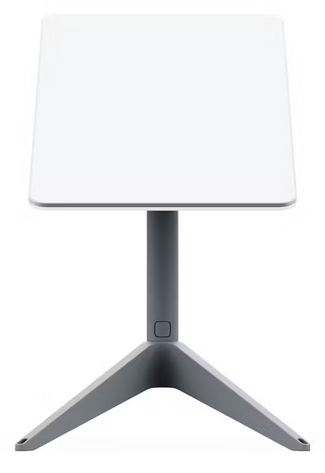
| Spend Here - Gen 2 Ethernet Adapter |
| Check Price on Amazon |
 | Spend Here - 65W+ Verified PD Power Bank |
| Check Price on Amazon |
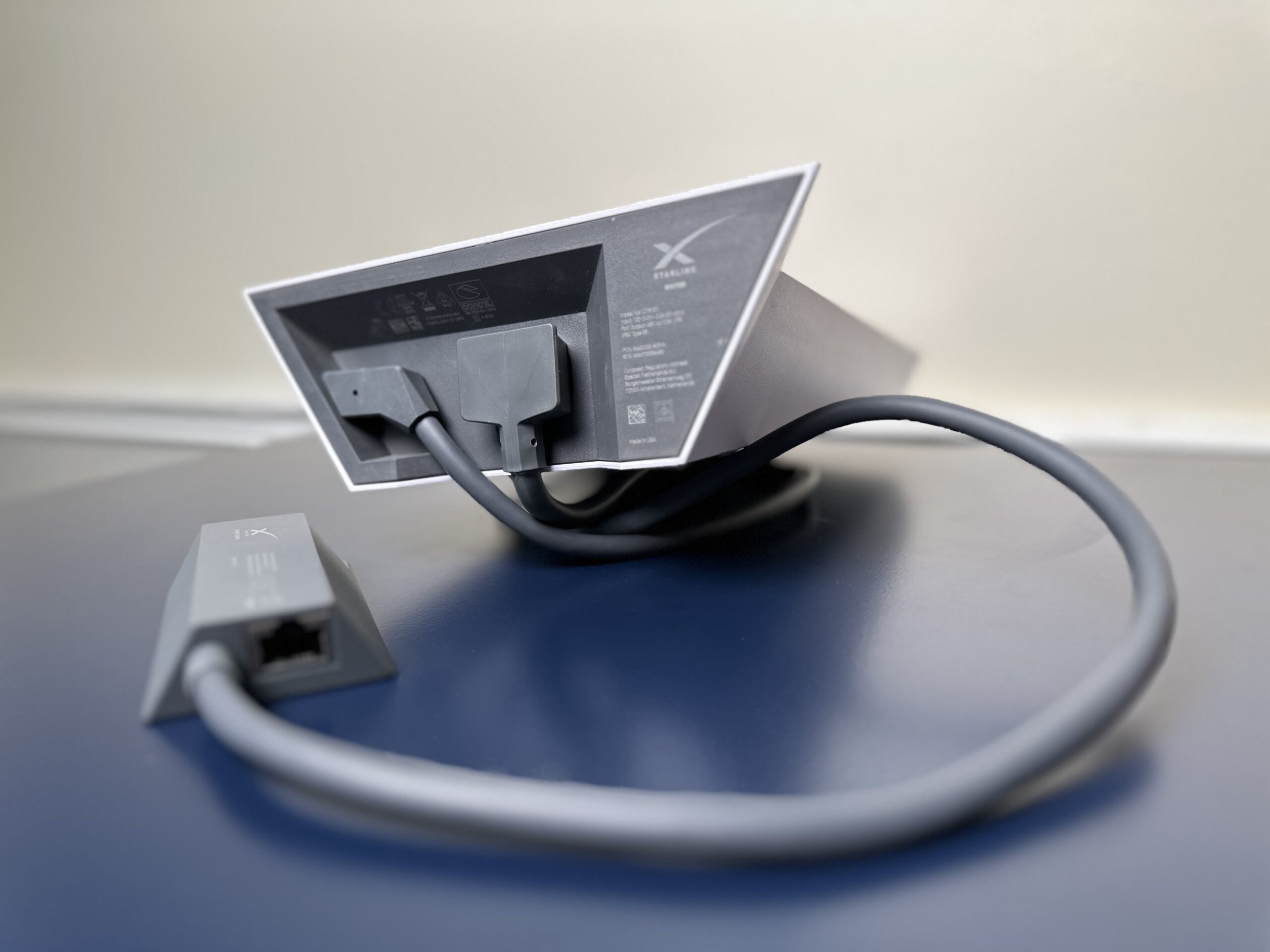 | Spend Here - Outdoor-Rated Ethernet Cable |
| Check Price on Amazon |
The $40 of Cheap Fixes That Beat $300 of Regrets
To end on what actually worked, here is the complete list of low-cost upgrades that survived the audit:
- Butyl tape + stainless screws ($12): sealed the cabin cable entry better than any “weatherproof” grommet kit. Has not leaked through two winters.
- Silicone cable clips ($9 for 20): ended the rattling-cable-inside-the-RV-wall era. The clips also stop wind chafe where the run crosses metal.
- A taller pole + proper pipe adapter ($55): the single biggest performance upgrade of two years. Elevation is the cheapest obstruction fix in the hobby.
- Zip-tie anchors and a label maker ($14): knowing which cable is which at the router means five-minute troubleshooting instead of hour-long archaeology.
That is the entire win list. Notice that nothing on it touches the signal, promises speed, or contains a motor. Starlink’s hardware does the radio part brilliantly; our job as owners is placement, power, and weatherproofing – three physical problems with physical solutions. Spend there, and the accessory drawer stays honest.
Quick Answers
Are any third-party Starlink accessories worth it? Yes – mounting hardware from known brands, verified PD power banks for the Mini, and outdoor-rated Ethernet are all safe value picks. The pattern: the accessory should not touch the RF path or the power supply specification.
Do I need a surge protector on the dish? On any rooftop or pole installation, yes – a proper surge protector at the entry point is on the spend-here list, not the regret list. Roof-mounted metal + long cable runs is classic surge territory.
What about protective cases for the Standard dishes? For travel, genuinely useful – the case guide for the Mini covers what actually matters in a case design, and the same criteria apply to hard cases for bigger dishes.
Two years in, my accessory budget now goes to steel, silicone, and verified power. It is a boring list, and the internet has been up through everything from Mojave heat to lake-effect snow. Boring, as it turns out, is the upgrade.