Last March I did something dumb: I packed the Starlink Mini for a two-week Arizona trip using a folded towel and a rubber band. The panel survived. My patience did not. Every morning started with a scavenger hunt for the cable, the kickstand, and the little USB-C adapter that always migrated to the bottom of the van drawer. By day four I ordered a real case, and by summer I had somehow ended up with seven of them, because that is what happens when you write about gear for a living.
This guide is the result of three flights, one month of van life, and a completely unnecessary amount of comparison shopping. If you just want the answer: a hard waterproof case with custom foam is worth it if you fly, a padded soft case is fine if you van or car camp, and the $20 EVA shells on Amazon are better than nothing but not by much. Details, prices, and the mistakes I made below.
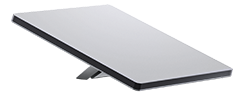
First, the dimensions that decide everything: the Mini is roughly 11.7 by 10.2 inches and about an inch and a half thick, weighing around 2.5 pounds. It is a flat rectangle, which means unlike the Standard dishes, it actually fits in normal-shaped cases. That is the good news. The bad news is that the cable and the kickstand are the awkward parts, and most cases ignore them.
What Actually Matters in a Mini Case
After living with all seven, four things separated the good cases from the drawer filler:
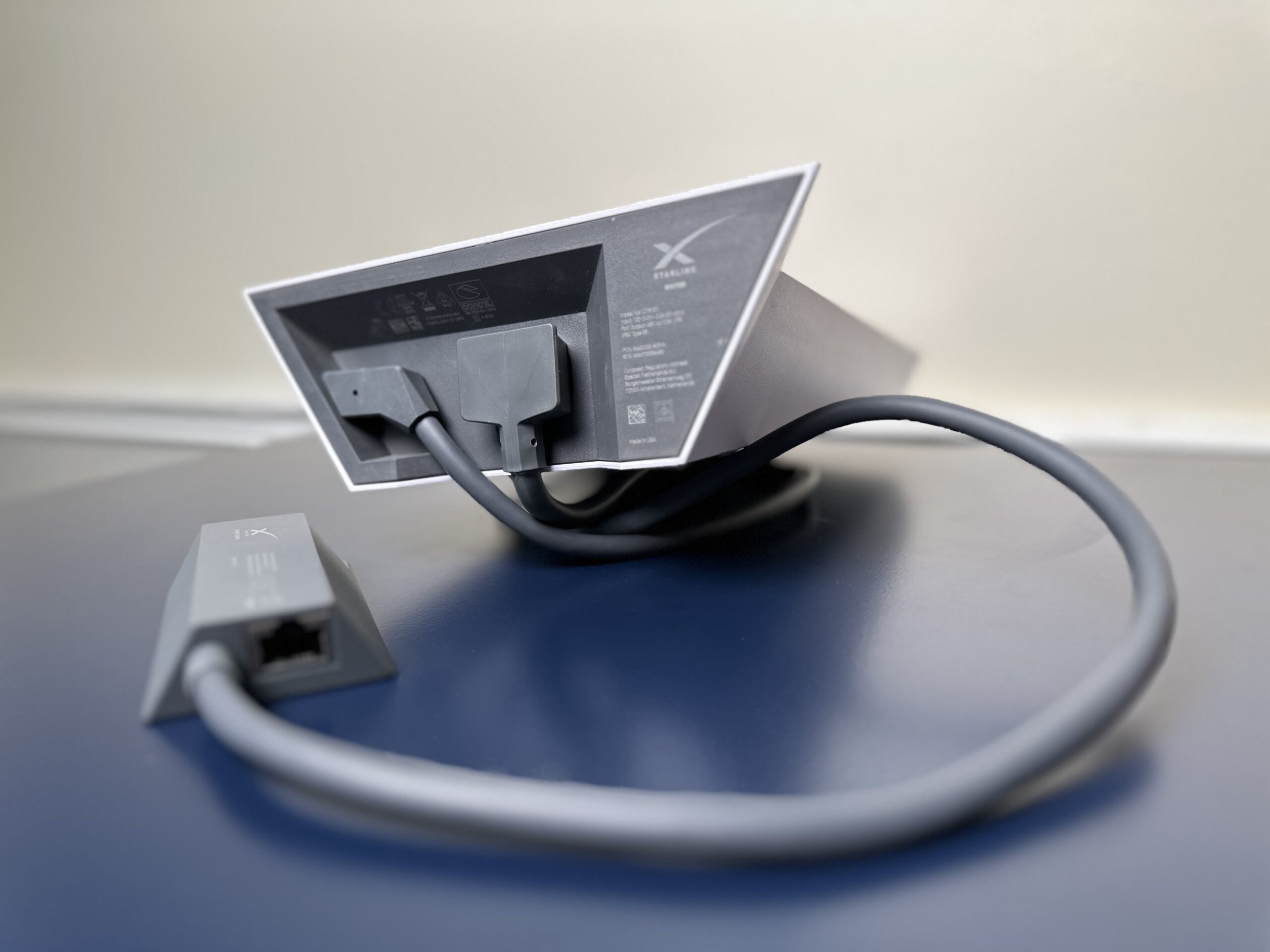
- Cable management. The 15-meter cable that ships with the Mini coils into a bigger loop than you expect. A case that fits the panel but not the cable will end up living half-empty with the cable riding loose in your bag, and the connector will find something to snag on. Look for an accessory compartment at least 3 inches deep or a dedicated cable strap.
- Kickstand protection. The folding kickstand protrudes on one edge. Soft cases let it press into the panel face over time, which is exactly how you develop a dead pixel column. Foam cutouts that cradle the panel face-up or face-down with clearance solve this.
- Closure hardware. Zippers with dust flaps beat bare zippers. Latches beat both for airline use, because a pressurized hold popping a zipper open is not theoretical; I watched it happen to a neighbor’s pelican-style case at PHX.
- Interior pressure relief. Airtight cases flex when you fly with them or move between altitude changes. Any hard case worth buying has a pressure relief valve. If the listing photos do not show one, skip it.
The Carry-On Question, Answered Properly
Everyone asks this, so let me save you the forum spiral: the Mini itself is carry-on legal everywhere I have checked. It is just an antenna with no lithium battery inside. The thing the TSA and airline rules actually care about is your power bank, because the Mini runs off USB-C PD. Banks under 100Wh are fine in the cabin and forbidden in checked bags. Anything over 100Wh needs airline approval, and most airlines cap you at two spare batteries.
Practical translation: keep the case, the panel, and the power bank all in your carry-on, and you will not have a problem. I have flown three times with the Mini this year, twice internationally, and the only question I ever got was curiosity from the gate agent in Denver who wanted to know if it worked on planes. It does not, before you ask.
The Seven Cases, Ranked From Memory (No Notes, No Mercy)
1. The waterproof hard case with custom foam – the one I actually fly with
Essentially a Pelican-style case sized for the Mini, with pre-cut foam that leaves a finger notch over the panel. Mine came in around $60-70. The foam cradles the dish face, the lid has a shallow tray that swallows the cable and the wall adapter, and the latches have not loosened after eight round trips. The downside is honest: it is a brick. Add the panel and you are carrying about 7 pounds of stuff to protect 2.5 pounds of dish. For airlines, worth it. For van life, it lives under the bench and only comes out for trips.
2. The padded soft case with accessory pocket – the daily driver
A quilted nylon case, about $35, roughly the shape of a laptop sleeve on a growth spurt. It fits the panel, has a zippered front pocket that holds the kickstand cable and two adapters, and slips into a van drawer with zero wasted space. The compromise is structural: soft sides mean the kickstand pressure issue is real if you stack anything on top. In the van, nothing stacks on top, so it is perfect there. In a checked bag, it would not be.
3. The EVA semi-rigid shell – the budget pick that gets one thing right
These $20-25 generic shells are everywhere on Amazon, and honestly the molding is better than expected: the dish slots in tight, and the zipper runs three sides so the lid opens flat. What they get wrong is depth. The cable does not fit coiled; it fits folded, which is how you end up with a kinked jacket at the connector. Mine also picked up a cracked corner from a single van-door impact. It protects against scratches and rain, not against actually dropping it.
4. The solar-and-dish combo case – clever idea, mediocre execution
One case for the Mini plus a 100W folding solar panel sounded brilliant until I carried it. The combined weight lands near 11 pounds, the foam layout forces you to choose between panel protection and panel thickness, and the whole thing no longer fits any backpack I own. If your solar panel already has its own case, buy case number 1 and skip this category.
5. The “tactical” case with MOLLE straps – skip it
$50, covered in webbing I will never use, with a rigid shell thinner than the $20 EVA options. The MOLLE webbing adds weight, the foam is egg-crate rather than molded, and the zipper pulls were already rusting after my first coastal trip. Marketing gear, not protection gear.
6. The DIY foam insert in an existing case – genuinely underrated
Before the case purchases, I traced the Mini onto a sheet of dense foam, cut it with a bread knife, and set it in an old tool case. Total cost: $9 for the foam. It is ugly and it works. If you already own any hard case roughly 14 by 12 inches, do this first before spending real money.
7. The drawstring padded pouch – the one I returned
Fine for keeping dust off the panel on a shelf. Useless for travel: no structure, no accessory space, and the drawstring knot sits exactly where the kickstand is. Some listings pair it with the Mini as a bundle. Do not let that be the deciding factor.
| Product | Best For | Key Features | Price |
|---|---|---|---|
| Best for Flying - Waterproof Hard Case with Foam |
| Check Price on Amazon |
 | Best Daily Driver - Padded Soft Case |
| Check Price on Amazon |
 | Best Cheap - Semi-Rigid EVA Shell |
| Check Price on Amazon |
Three Habits That Protect the Mini More Than Any Case
Coil the cable over your elbow, not around your hand. Tight hand-wound loops kink the jacket over time, and the 15m cable is the single most annoying part to replace. Elbow-coiling keeps the bend radius generous and takes ten seconds.
Face the panel toward the foam, kickstand out. Whichever case you use, the kickstand should face open space, never the panel. This is the one rule that prevents the dead-pixel problem.
Leave the wall adapter home on trips where you will only use a power station. The Mini pulls 20-30W in normal use, so a 65W+ USB-C PD bank or any small power station runs it. Every case has limited real estate; the wall brick is the first thing to cut.
If you are still deciding whether the Mini itself fits your travel style, our Starlink Mini mounts and power bank guide covers the tripod adapters and banks that actually hold 65W under load, and the compatibility matrix shows how Mini accessories differ from the Gen 2 and Gen 3 ecosystems.
Quick Answers
Does the Mini fit in a laptop backpack? Yes, in most 25L+ packs, though the 10.2-inch width is snug in narrow laptop sleeves. The soft case makes it backpack-friendly.
Can I check the Mini in luggage? You can, but I would not without a hard case. The panel is a sandwich of glass and electronics; soft-sided checked bags are where panels go to die.
What is the one accessory worth buying with the case? A 65W+ USB-C PD power bank. It turns the Mini into a genuinely grab-and-go kit, and our power bank recommendations list the ones that sustain load without cutting out.
Hard case or soft case for van life? Soft. Vans already have storage that protects things; the case’s job is organization, not impact armor.
Bottom line: buy the hard waterproof case if you fly, the padded soft case if you drive, and if budget is tight, the $9 DIY foam insert beats anything under $25. The Mini is tough, but the kickstand and cable are not, and that is where a case earns its price.